Saturday, 19 June 2010

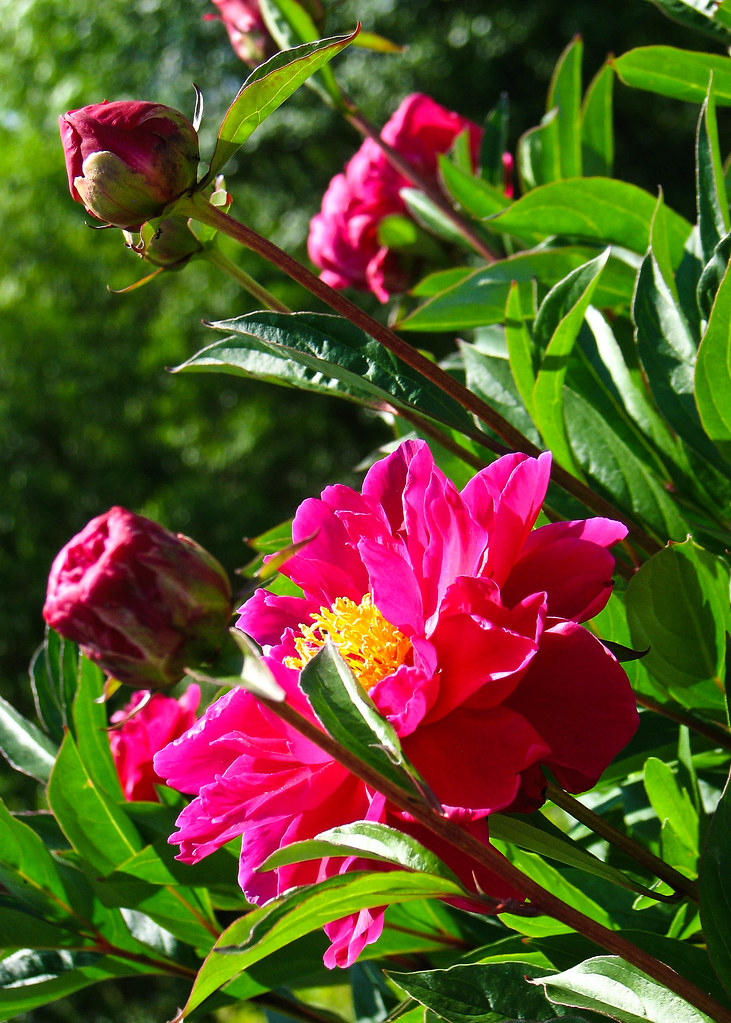
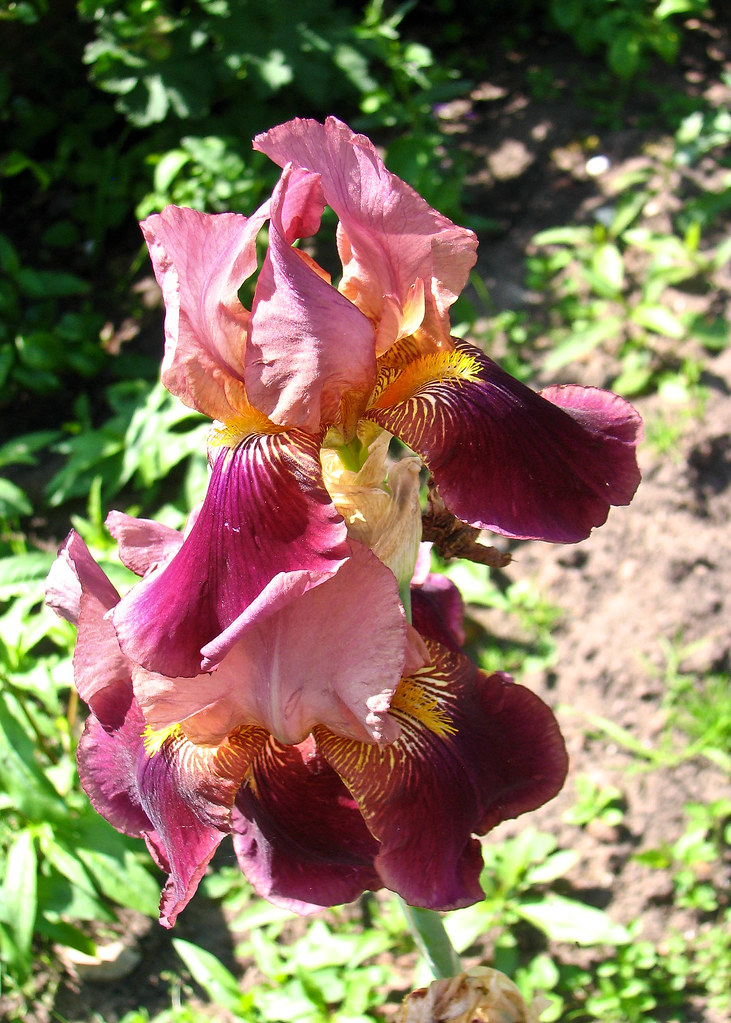
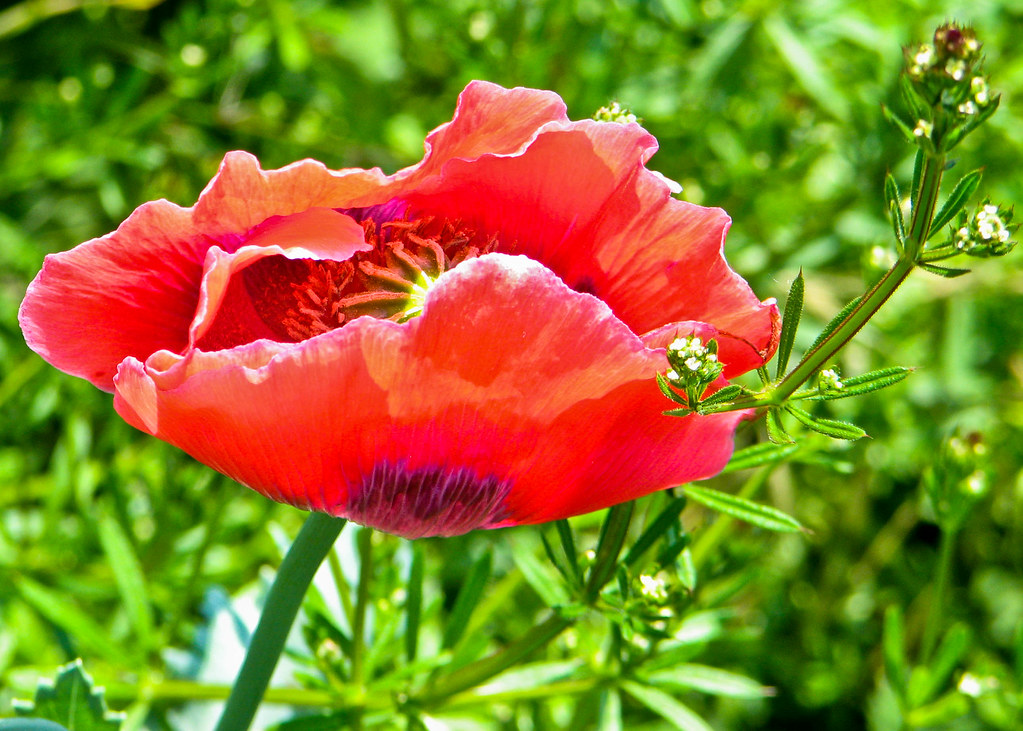
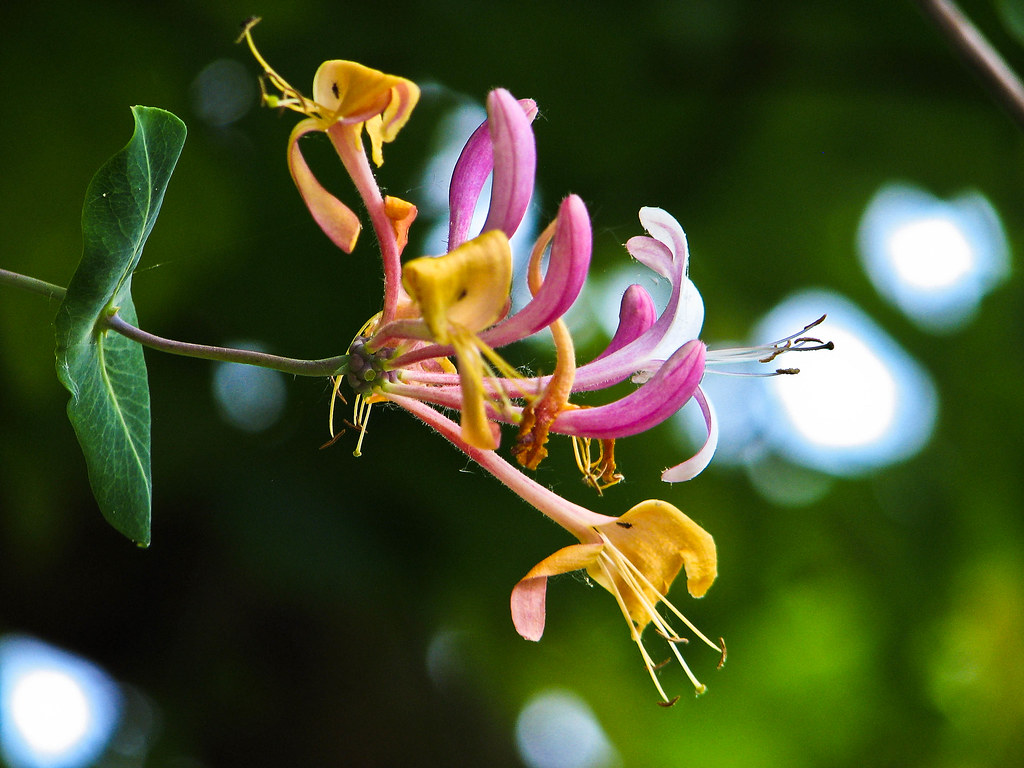
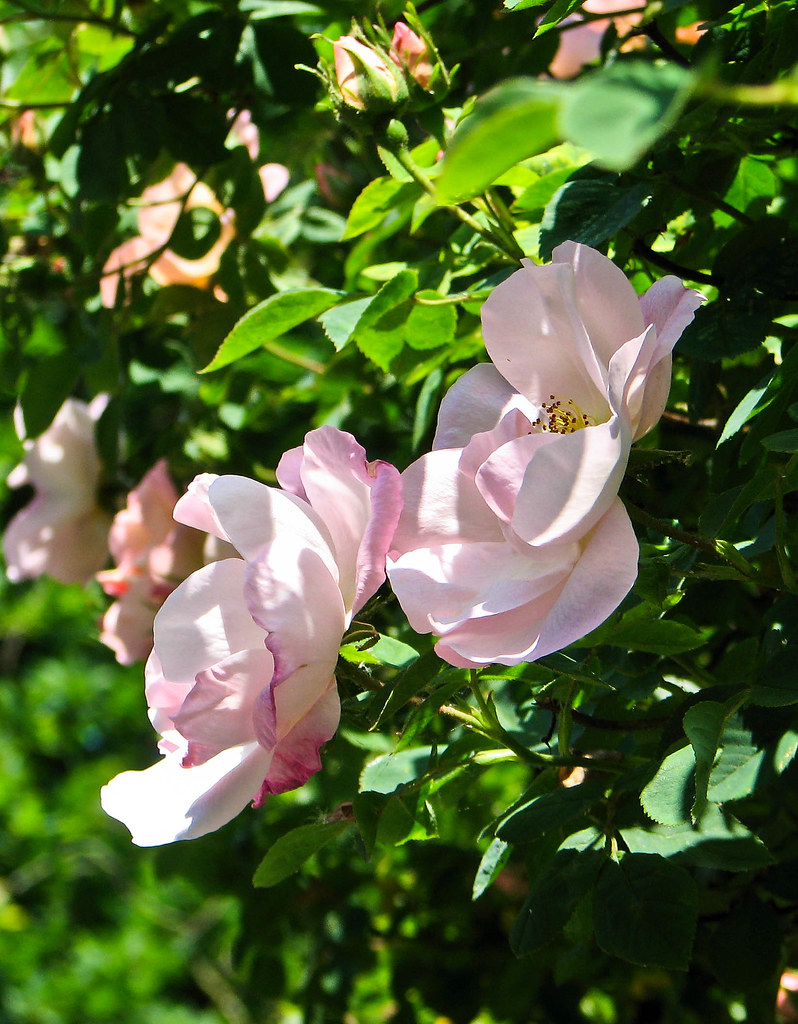
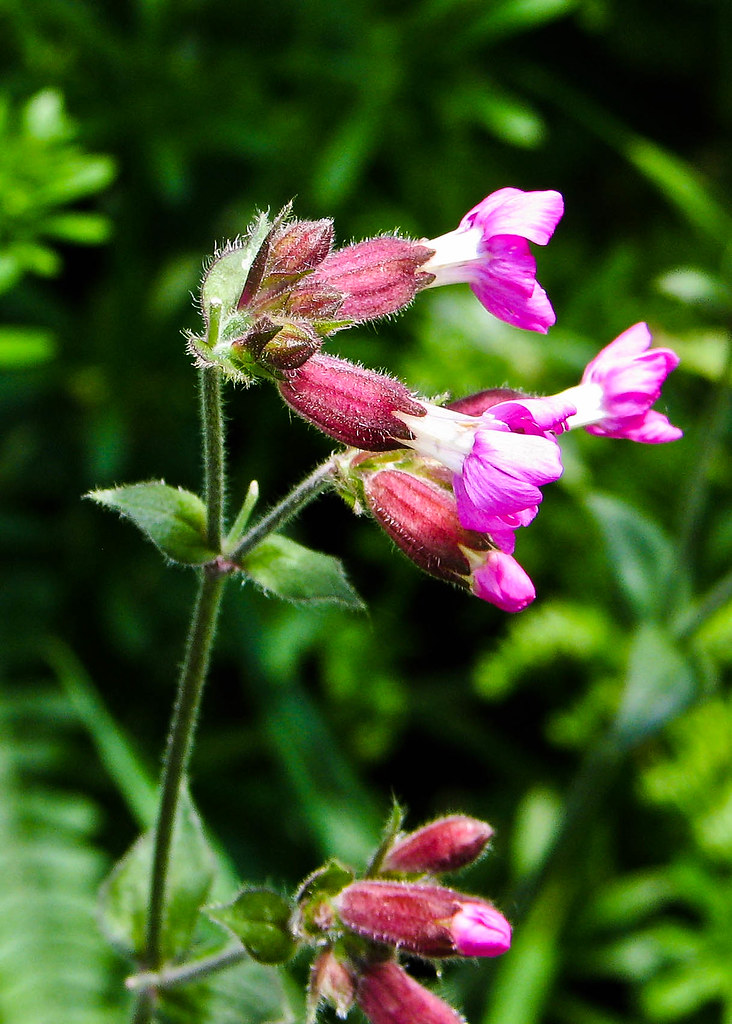
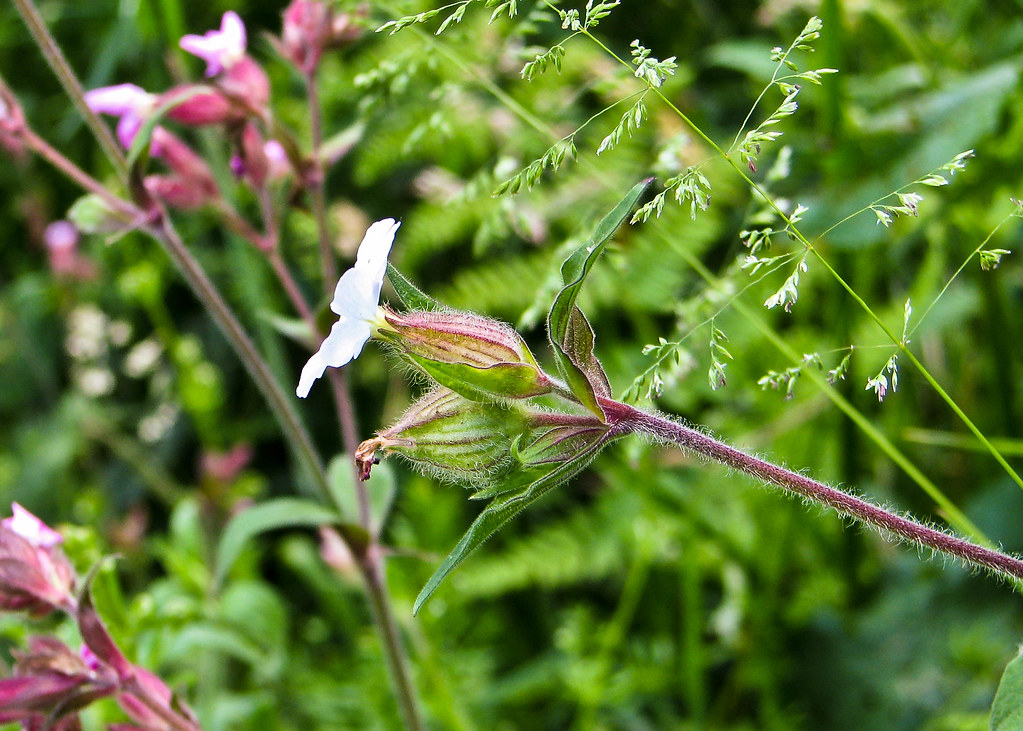
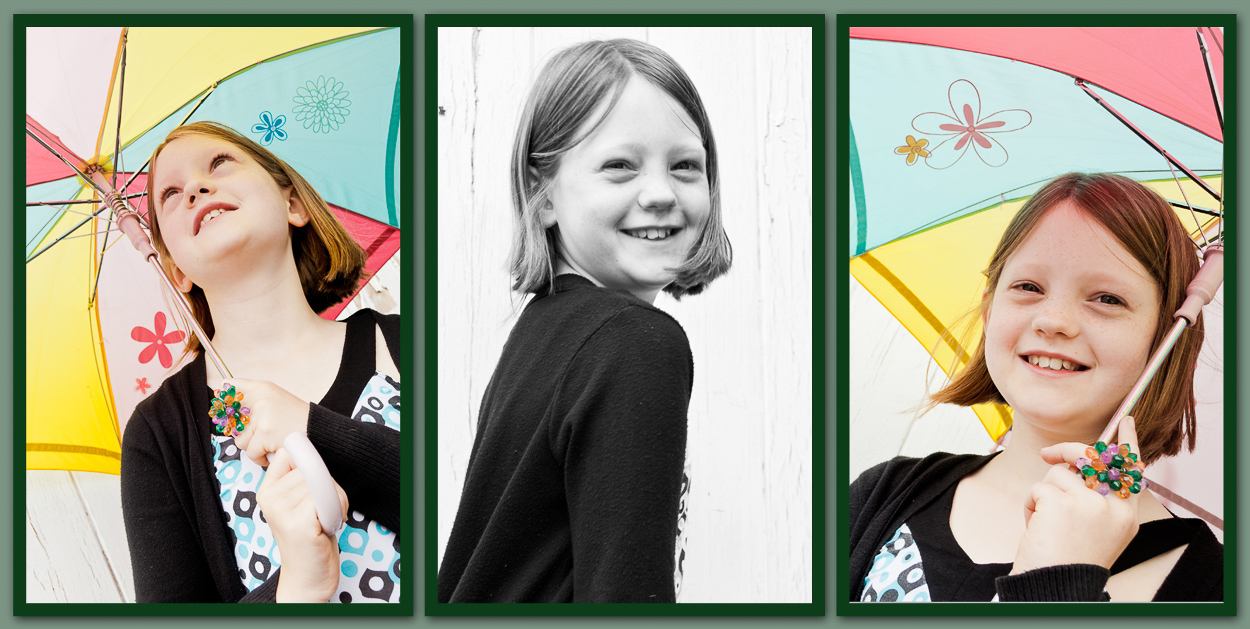
BEST SHOT - Sharing Summer!


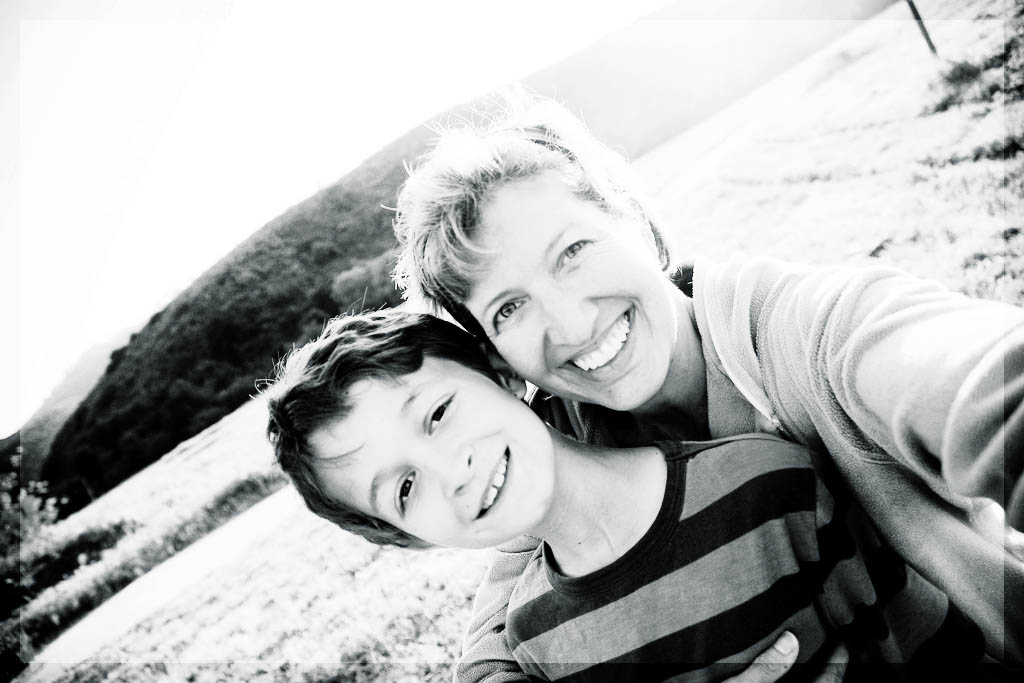
Today I just want to share a little summer with you  all..!


I hope that's brightened your day! :D

Now head on over to Lolli's for more Best Shots ...


You Capture - Water


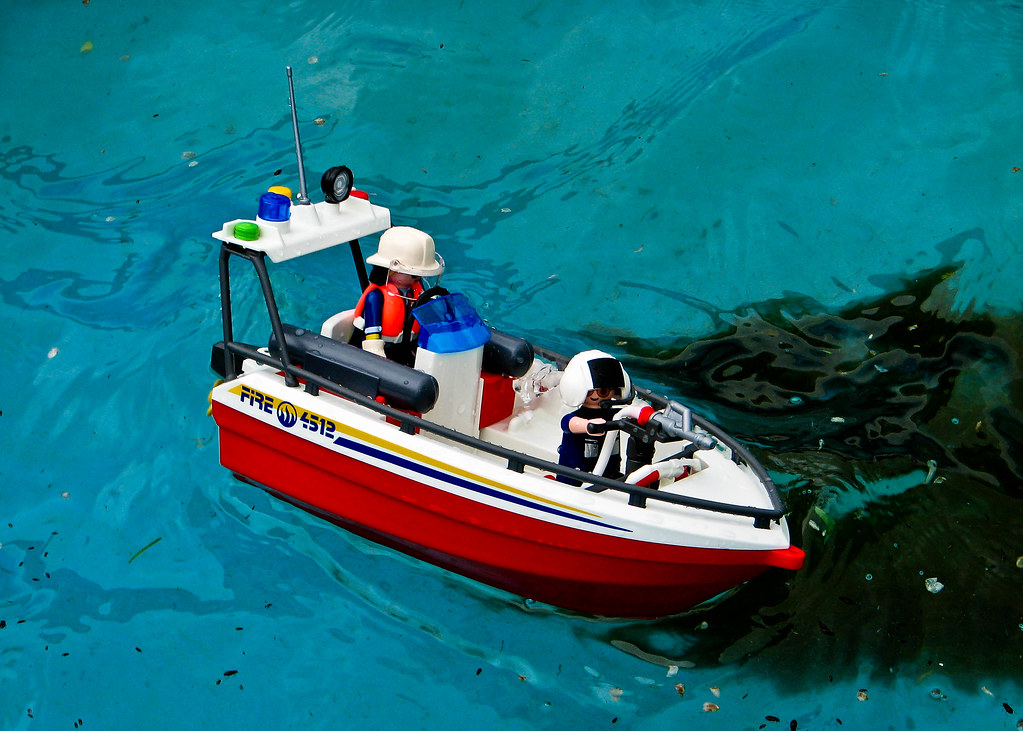
DD had a birthday, and he asked for Playmobil ~ he got lots, but this boat is his favourite, especially creating a storm in paddling pool for it!


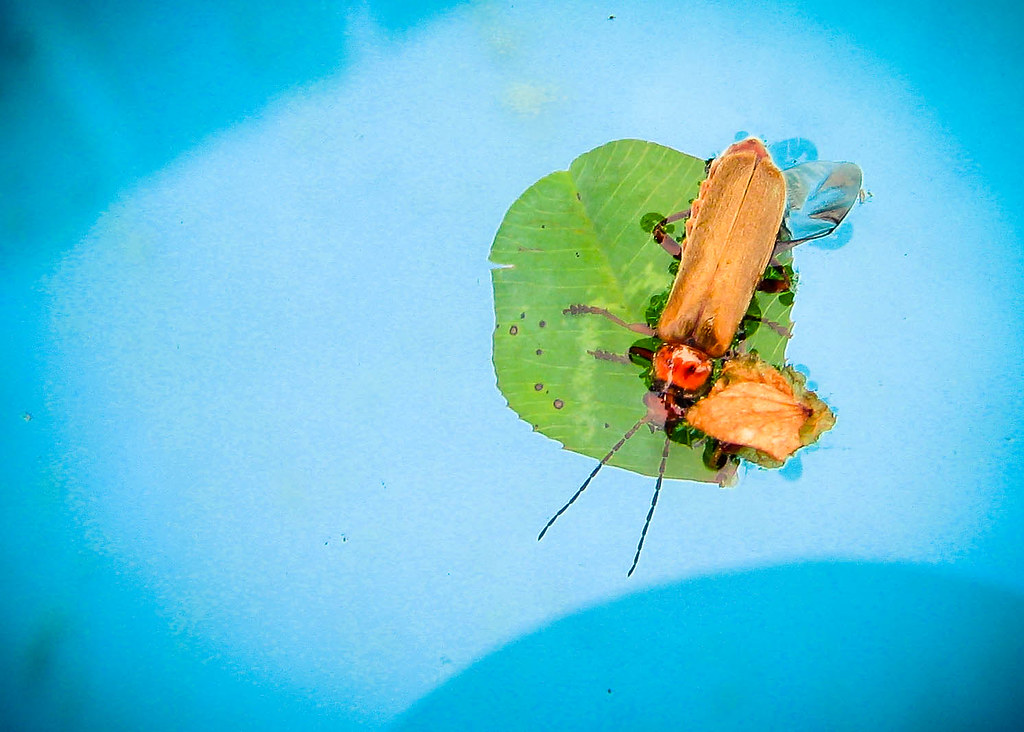
This little bug landed in our pool a week ago too ...

and the water itself is very pretty in the sunshine (excuse the piece of hose in the bottom ~ this is SOOC!)

For more water fun head on over to Beth's :D

Friday, 18 June 2010

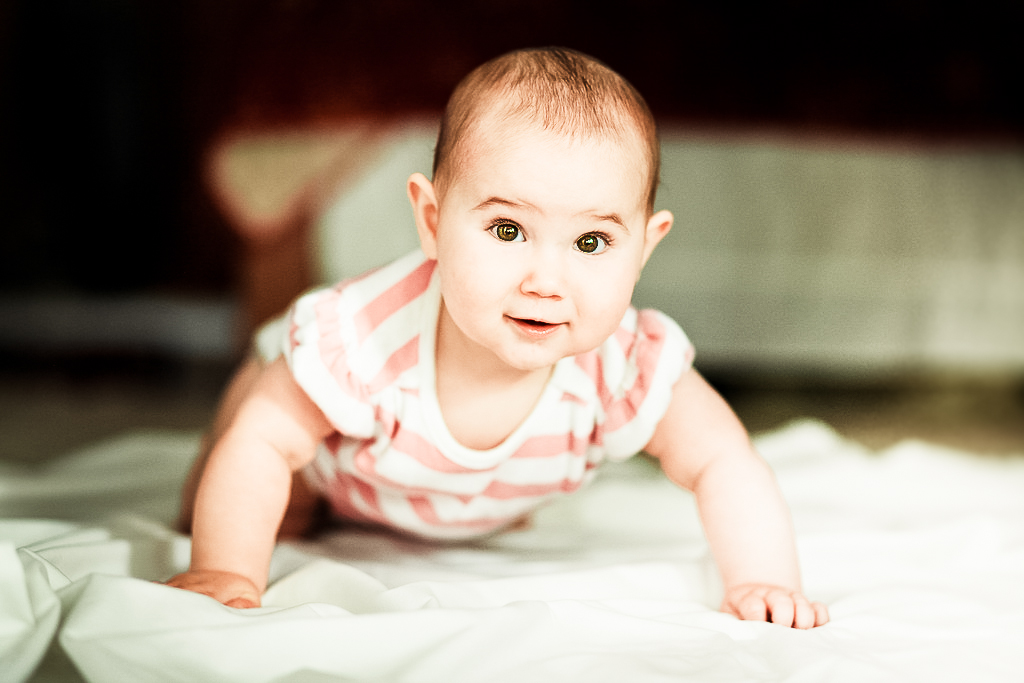
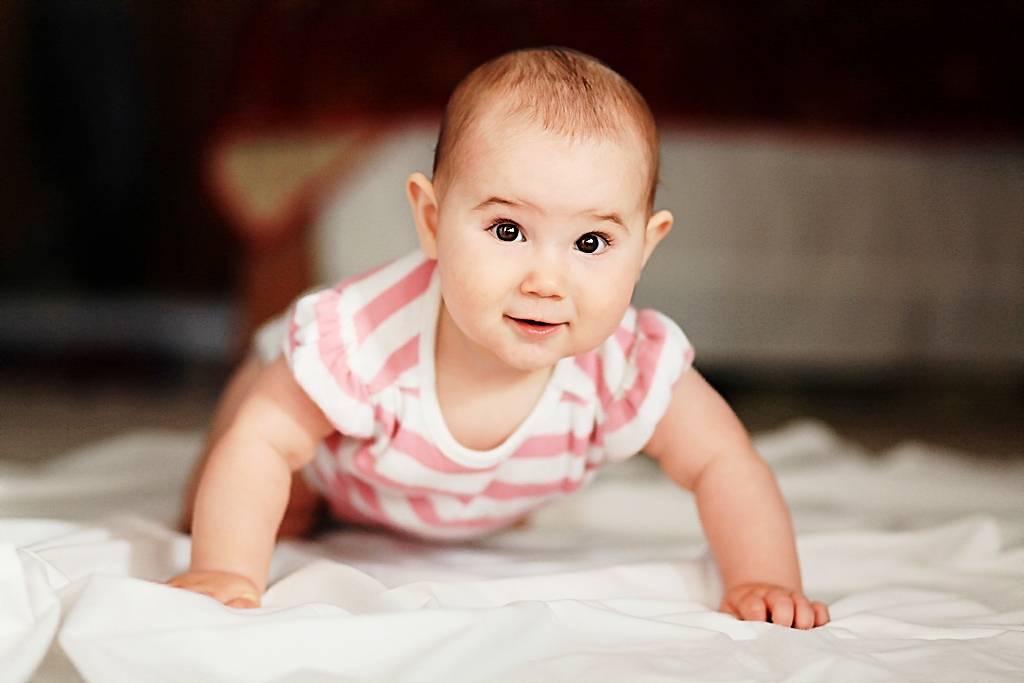
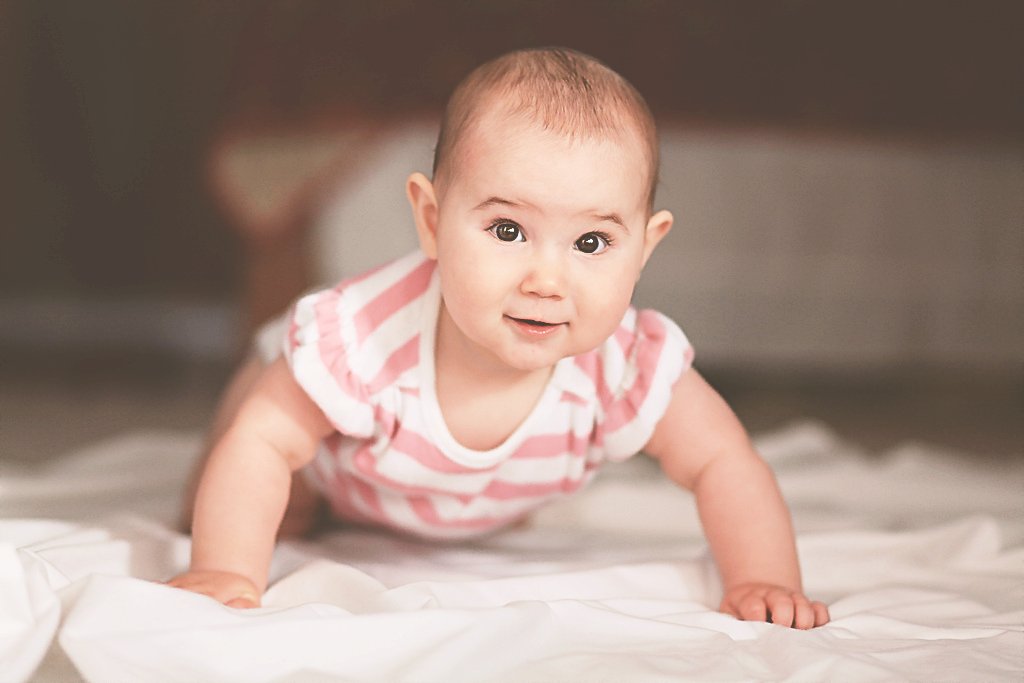
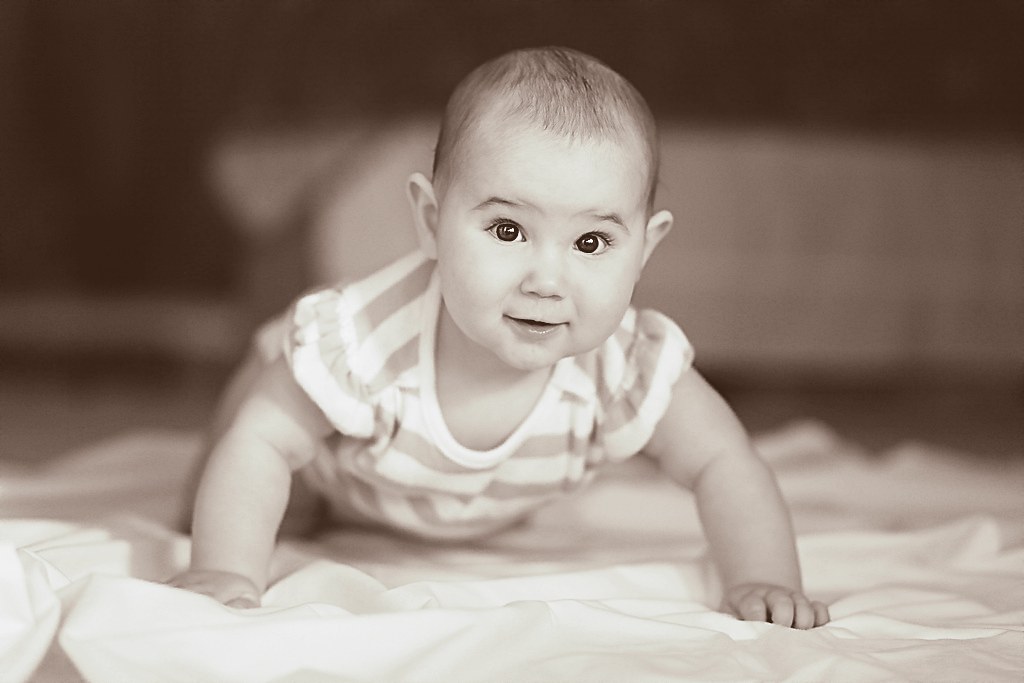
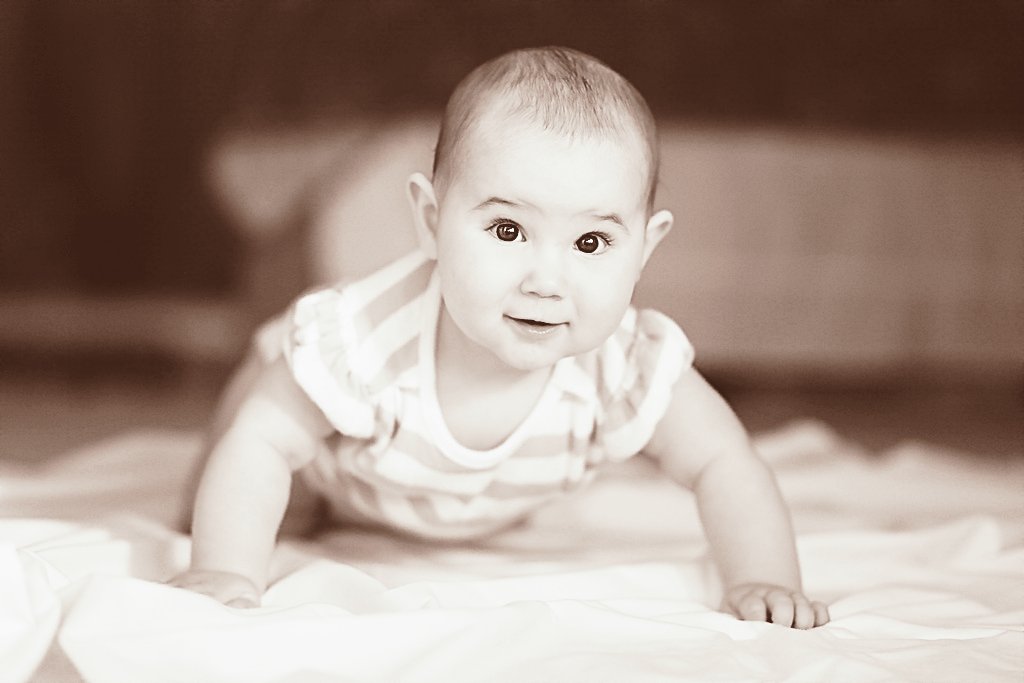
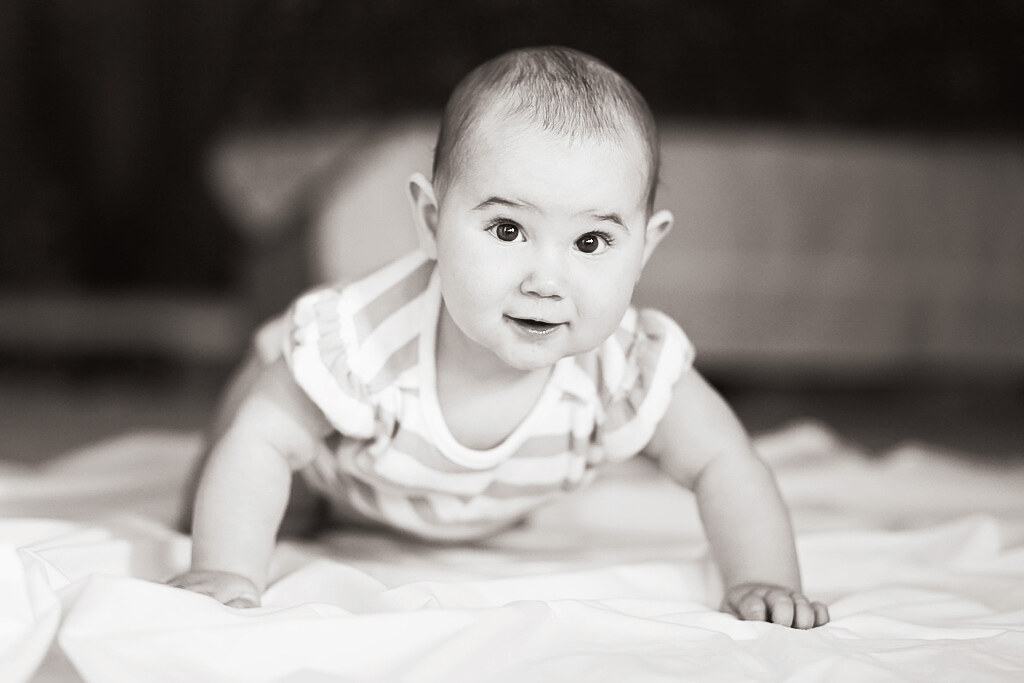
FIX-IT-FRIDAY - NO.40 - "Crawling Baby"


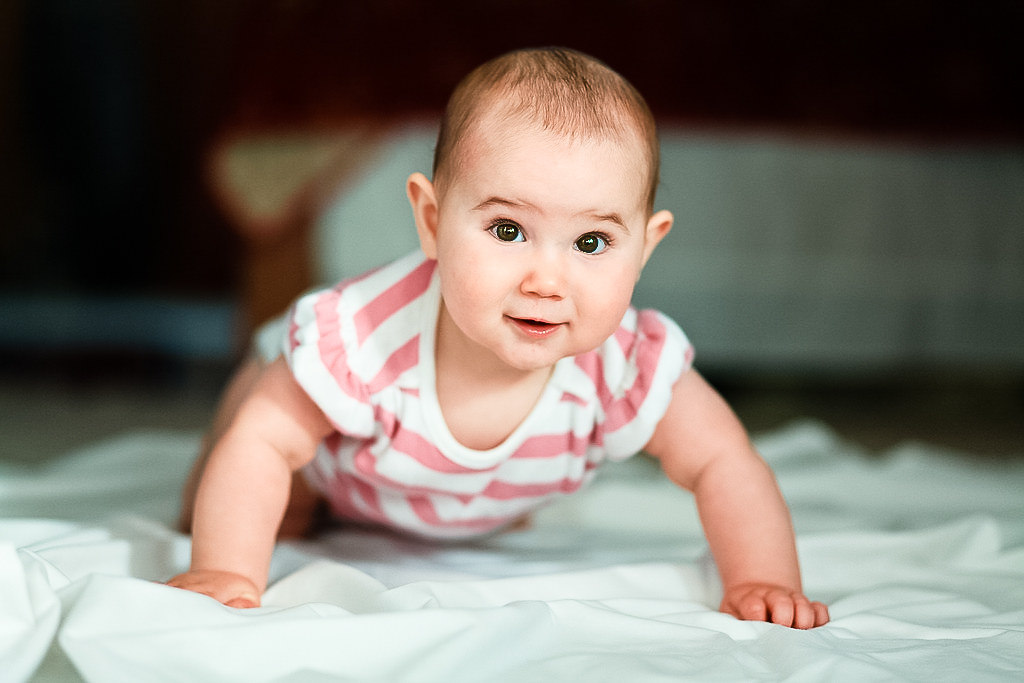
ORIGINAL
An awesome image to begin with, perhaps a touch out of focus (lacking sharpness) and a little underexposed.

( This is NOT my picture, only edited for Fix-It-Friday. Original HERE;
© belongs to Julie Rivera ( 
www.julieriveraphoto.com/ ) 


I fixed in 3 programs, just for those of you who like it when I edit in Gimp!! :)

LIGHTROOM3 (beta) ...which is sadly about to expire :(

EDIT ONE
I fiddled a lot here, so bear with me!
  • Temp -15, contrast +9, Clarity +33, Vibrance +25
  • used iris enhancement adjustment and adjusted to taste
  • Sharpen Portrait preset
  • Brightness +26, Tint -10, Exposure +0.60, 
  • Red saturation +24, Red luminance -31, 
  • Highlight Hue +46, Hightlight Saturation +13
  • Tint -20
_______________________________________

EDIT TWO
  • Applied Coffeeshop 'Creamy Chocolate' preset + auto tone
  • exposure 0.97, contrat +26, shadow tones -65, dark tones +44, clarity +22, Brightness +16
____________________________________
EDIT THREE

  • Virtual copy Edit one and applied Maple Syrup Kiss (Photo Flavors Preset)
____________________________________

EDIT FOUR

  • Virtual copy Edit one and applied Ilford XP2 Super 400 (preset from HERE; )
____________________________________________


GIMP

EDIT ONE
All work is done on duplicate layers and opacity adjusted to taste
  • Create Backgound copy and hide original
  • applied smart redux sharpening (Overlay Op'y 44.6)
  • Edge Mask Sharpen (set to overlay Op'y39.7)
  • Dup' layer and select irises ~ create selection layer mask
  • dodge shadows lightly in both eyes, apply mask, adjust brightness-contrast of layer (to taste) ~ set opacity to 86.6
  • Merge all visible
  • Duplicate layer and use curves adjustment ~ set opacity to 88.4
  • Save for Web at 100% quality.
_______________________________________

EDIT TWO
From Edit One (pre-curves adjustment)
  • Applied Script Fu ~ Romantic Colors ~ teal 52.1, pink 81.0, Beige 33.9
  • Changed Beige layer to Grain merge
  • Flatten and save for Web
___________________________________

EDIT THREE

  • From Edit one (pre curves adjustment) ~ applied PortraFX script
  • desaturated
  • added a new layer and filled with a light fawn colour ~ chnaged to 'grain merge' and set opacity to 25.6
  • Flattened and saved for Web
_____________________________

EDIT FOUR

  • From edit THREE
  • added new layer and filled with deep dark red ~ changed to 'addition and set opacity to 17.4
  • Flattened and saved for Web
________________________________


PSE7

EDIT ONE
  • Opened in CameraRaw and made a few minor adjustments there ~ sharpened +25, 0.8 and others similar to initial adjustments in Lightroom, just to lighten and brighten a little ~ then opened in editor.
  • Dup' layer
  • applied CoffeeShop EyeBright ~ painted on layers; bright eyes op'y 100%, eye define op'y 69%, 
  • Duplicate layer and use 'grants tools' curves adjustment (this is an 'action' that works in guided edit mode) ~ simplify and change opacity to 80%
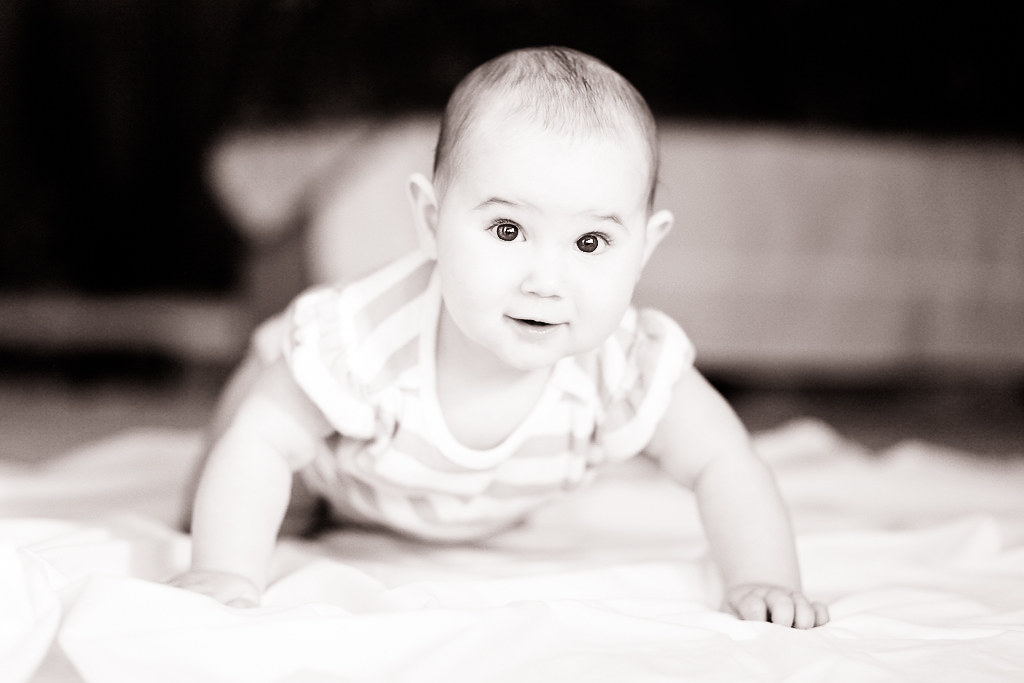
  • Duplicate IMAGE and make convert new image to B&W (portrait), then drag B&W in as new layer (transform to fit) ~ change B&W layer to 'soft light' (opacity 50%)
  • Flatten and Save for Web.
__________________________________

EDIT TWO 
  • Using the B&W image created above;
  • add a new layer and bucket fill with very dark brown ~ overlay @ 40%
  • add new layer & bucket fill with deep dark red ~ Hue @ 37%
  • Flatten and Save for Web
_________________________________

EDIT THREE
  • From PSE Edit One 
  • Applied CoffeeShop Johnna's Tea Party ~ Contrast Layer 21%, Hazy 18%
  • Apply 'salt' FX


I hope you like my edits ~ comments and criticisms welcome :D!!
To join in the fun head on over to Fix-It-Friday...


Tuesday, 15 June 2010

Today ~ Stormy Shores!


It's time to link up to Tuesday Around the World. Today is my birthday, but I'm not photographing that, so instead you get a shot of our recent stormy shores!!

Friday, 11 June 2010

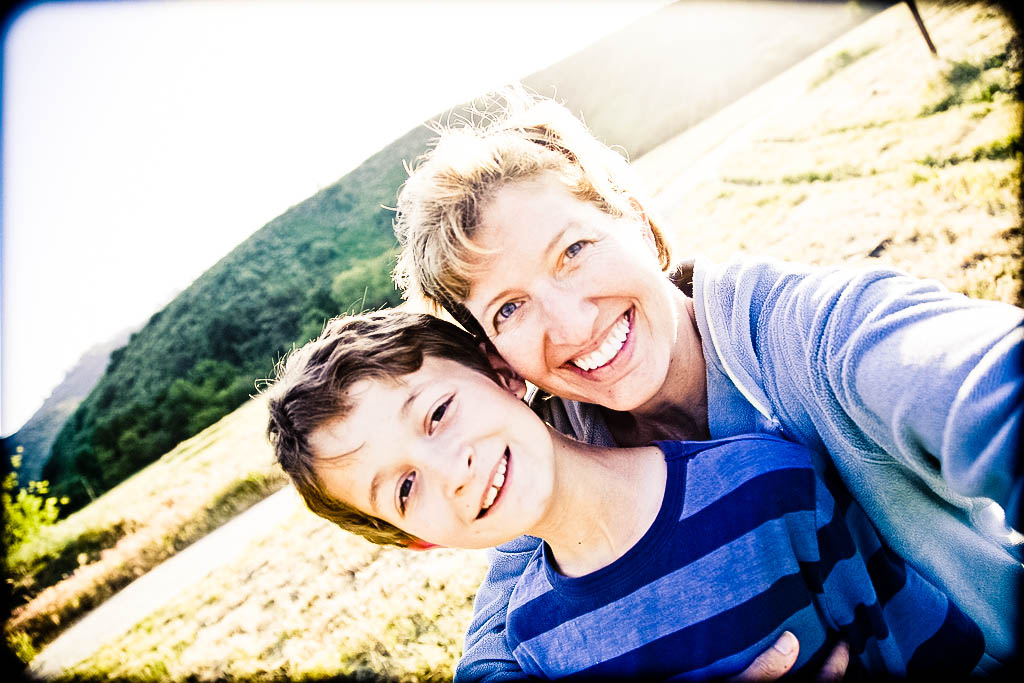
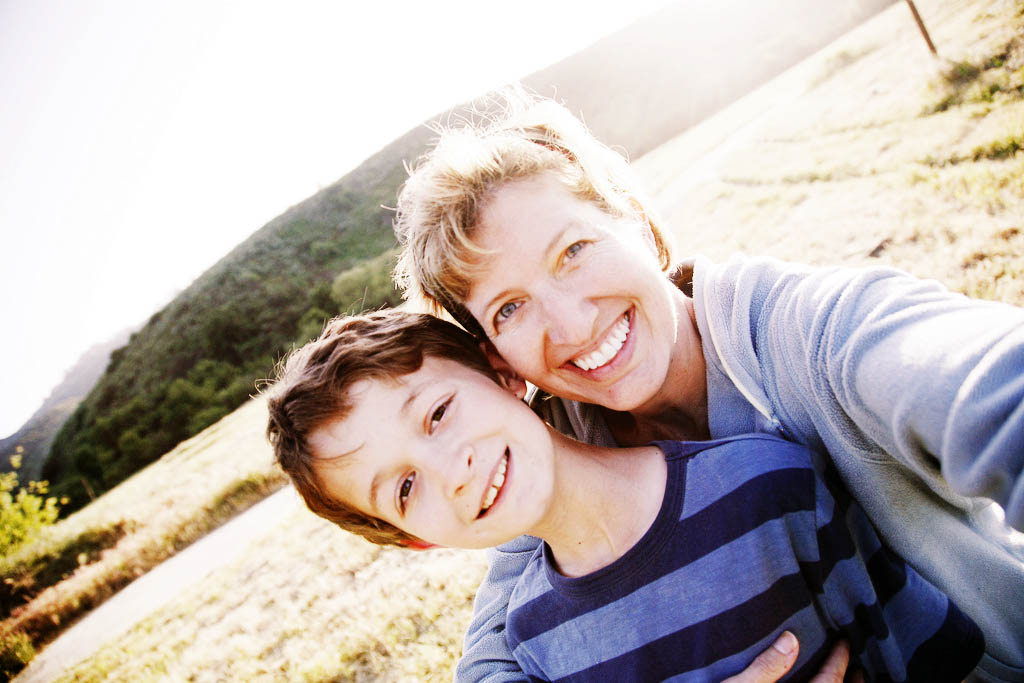
FIX-IT-FRIDAY - NO.58- "S.KELLER"


This weeks Original was lovely, but maybe lacking some pizzaz! 

I decided I would edit in three programs this week, just for fun!
SO....

LIGHTROOM 3 beta ~ Edit One
  • auto tone
  • photo-flavors preset ~ 'Remember When' 
  • Brightness slightly adjusted
  • photo-flavors preset 'square vignetter J' ~ amount -100, midpoint 64, roundness -100, feather 100
________________________________________

GIMP ~ Edit Two

  • opened in Gimp 2.6.7
  • adjusted brightness and contrast using curves (kind of a wide n shape!)
  • Using 'colour balance' ~ I applied preset #4 and turned the red down to taste.
  • used a high-pass sharpening and reduced the opacity to make it more subtle
  • selected eyes and made a layer mask (each person on a seperate layer mask) ~adjusted the brightness and contrast of them
  • dodged the shadows very lightly under her son's eyes.
  • flatten and save.
(remember EVERYTHING I do, I do on a duplicate layer, so that it is easy to UNdo should I choose to :D)
____________________________

GIMP ~ Edit Three

  • working staight from above I simply applied LASM's Lab WOW script and adjusted the layers to taste
  • Changed the effect to 'grain merge' and reduced the opacity.
  • flattened and saved.
_____________________________

GIMP ~ edit Four

  • working from edit two
  • applied a 'split tone' effect of dark grey and mid blue and adjusted the layers to taste
  • applied a 'stroke' of 40, overlayed and merged with layer (to create subtle framing).
  • flatten & save
______________________________________


PSE7 ~ edit Five
  • opened original in CameraRaw and adjusted exposure, recovery (up to 100%!),  brightness, contrast, sharpness (a little), clarity, changed white balance to 'auto' (which really warmed it nicely), noise reduced very slightly, ~ all until it looked bright and warm!
  • opened image in PSE
  • applied CoffeeShop Johnna's Tea Party (my favourite action) and adjusted; Hazy to 7%, with Contrast to 23%
  • adjusted the sharpness of the whole image on duplicate layer (75%, radius 0.8, uncheck more refined, use remove lens blur)
  • changed sharpened layer to soft light and reduced opacity
  • applied 'eye bright' action and used layers to enhance the eyes (painting on the masks with white soft brush) and reduced opacity to look natural.
  • Flattened & Saved for the web.
______________________________

I'm pleased with all my edits this week and pleased that I can use other programs when my LR3 beta runs out this month :(

To join in the fun, hop on over to Fix-It-Friday ....


You Capture - 'Fun' ~ & Best Shot

  
DD is 5 Today ~ Birthday's are ALWAYS 'fun'!! 
Here's the man looking forward to his ripping session..!

even cards can be fun...

...but never as much fun as presents!

More quiet fun can be found wandering in the will-be Poppy fields (must visit again soon)...

...or laughing at a pig and a goat play fighting!

But one of my biggest pleasures this week has been seeing my paeonis in bloom!

To join in the fun today head on over to Beth and Melissa's and link up :D


Tuesday, 8 June 2010

Communal Global ~ "Today"


Admittedly these weren't quite today, but I post in retrospect :)
Anyway, TODAY is Tuesday around the World, so what's happening in your corner ~
Join in by adding your link below...


Sunday, 6 June 2010

SOOC Saturday ~ Crazy Week!


It's not been the best of week here in the Hampton household! 
It began by dropping my eldest 4 off on their 'Kids retreat' and No.5 taking off down to a friend's for the week, with the promise of me getting to spend a whole week doing 'fun stuff' with my under 5's, BUT...
...instead on Monday night Stitch was admitted to hospital with suspected Pneumonia!!


48hrs of IV antibiotics later and he was back to himself (although maybe still more tired) ~ PRAISE GOD! ~ and we were heading home, but by now it was Thursday late afternoon and all the others arrived home Friday!


Oh well! Life happens! And I was very grateful I didn't have 6 other children to re-home whilst I stayed in hospital with Stitch and Paul was still able to go to work & earn the pennies!

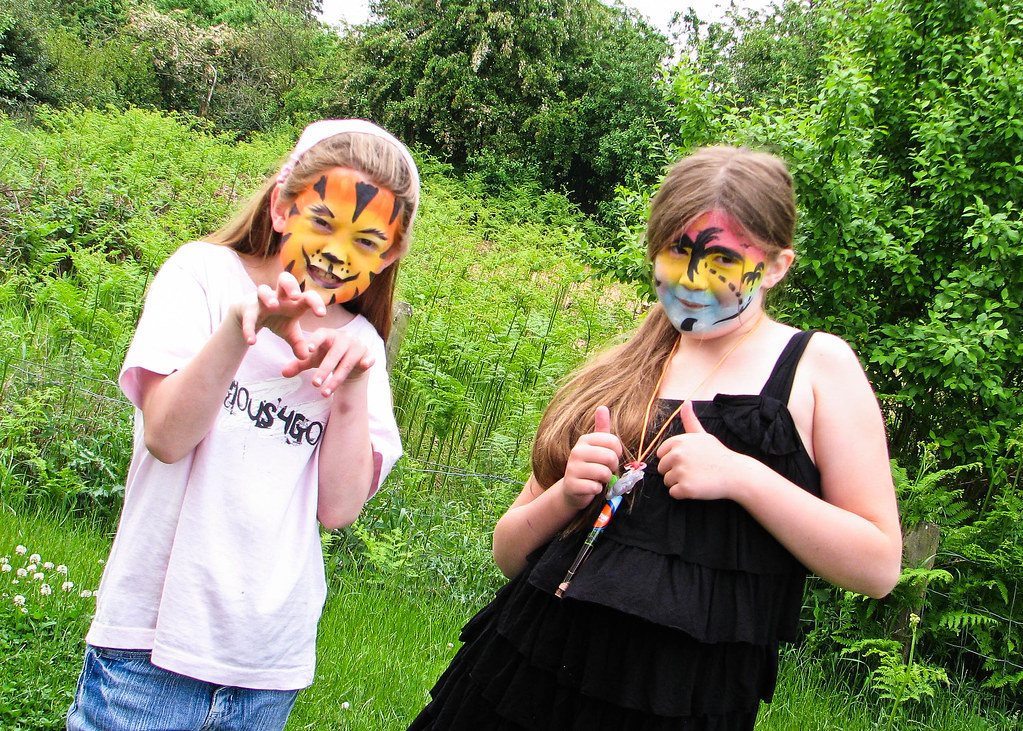
This was taken Saturday afternoon, after the girls got their faces painted in the village hall ~ they looked really good!

For more SOOC snapshots of the week, head on over to Melody's and check out her champion swimmer!

Friday, 4 June 2010

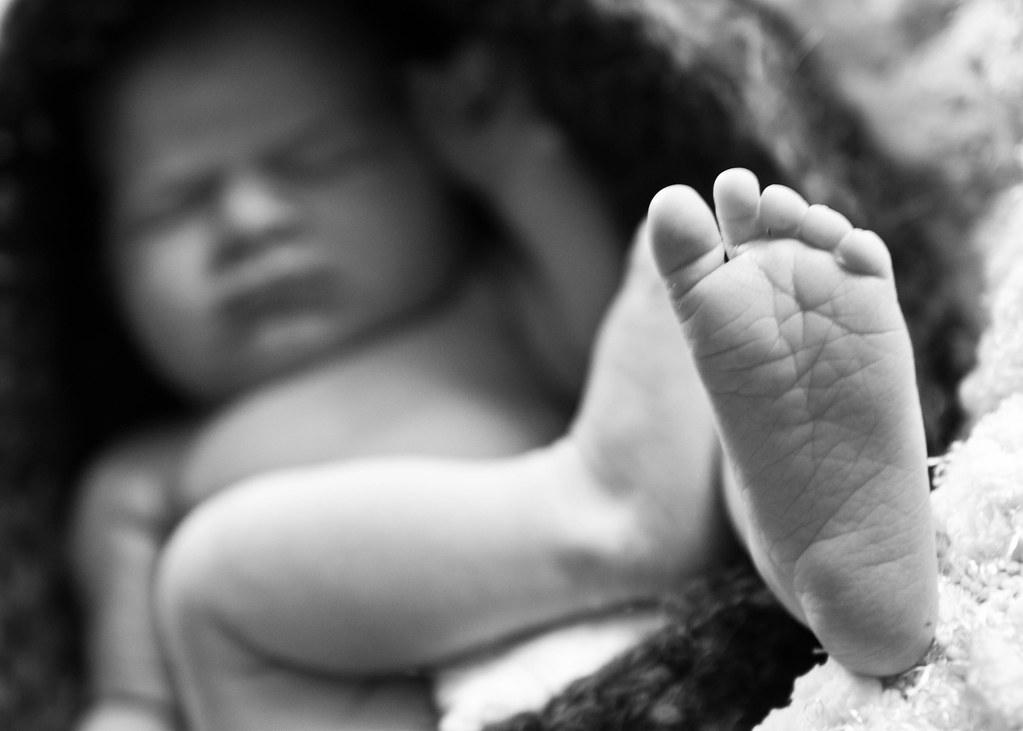
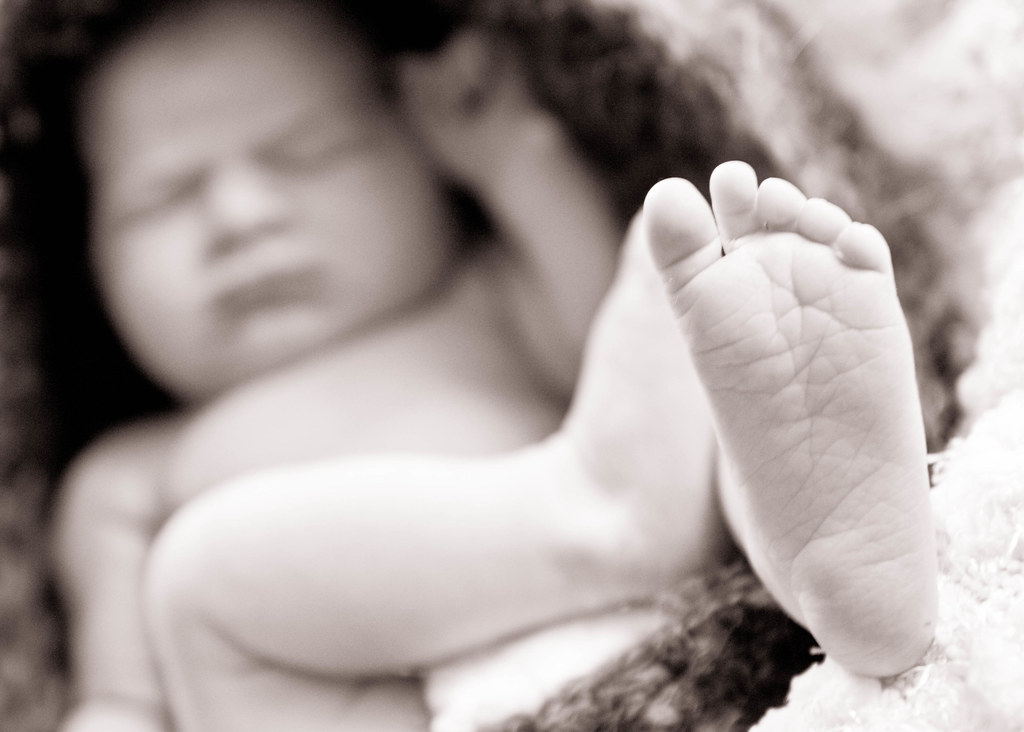
FIX-IT-FRIDAY - NO.57- "Baby Toes"


This weeks awesome Original!


Seriously ~ what is there to 'fix'! This picture is beautiful! So really this is 'Have Fun Friday!' :D
_______________________________

Fun 1

I used the RAW image in LR3 Beta3 
warmed, auto-toned and then brought up the darks a little, punched, increased contrast a touch, portrait sharpened and used the noise reduction. Cropped to 5X7
______________________________

Fun 2

I used a preset of my own called 'grungey warm' 
_________________________________

Fun 3


Rotated and applied Ilford XP2 Super 400 preset that I got from HERE 
___________________________________

Fun 4

Applied Coffeeshop Creamy Chocolate1, increased clarity to +56 & vibrance to +24.

To join in and have some fun with this cute picture head on over to Fix-It-Friday. :)


I ♥ FACES

I ♥ FACES ~ WEEK 10 - “JUMP FOR JOY!”

I ♥ FACES - Week 7 - "I Wanna Dance!"

I ♥ Faces - Week 2- “Best Face"

I ♥ Faces - Week 27 - Pets

I ♥ Faces - Week 31 - "Crazy, Silly, Funny Faces!!"

I ♥ Faces - Week 35 (ii) - “PhotoJournalism"


Social Butterfly Award :D

Ten Minutes From Home

TMFH
Capturing Your Memories

Communal Global

You Capture

Photobucket

5 Faves Friday

FFFpub copy
<center><a href="http://frog-photoblog.blogspot.com/search/label/5FF"><img src="http://farm3.static.flickr.com/2776/4427279169_ddd077ec9b_m.jpg" width="212" height="240" alt="FFFpub copy" /></a><center>

BEST SHOT

Photobucket

SOOC Saturday

Followers

Recent Visitors

Instagram Gallery

  © Free Blogger Templates 'Photoblog II' by Ourblogtemplates.com 2008

Back to TOP