Fix-It Friday #71 - 4x4

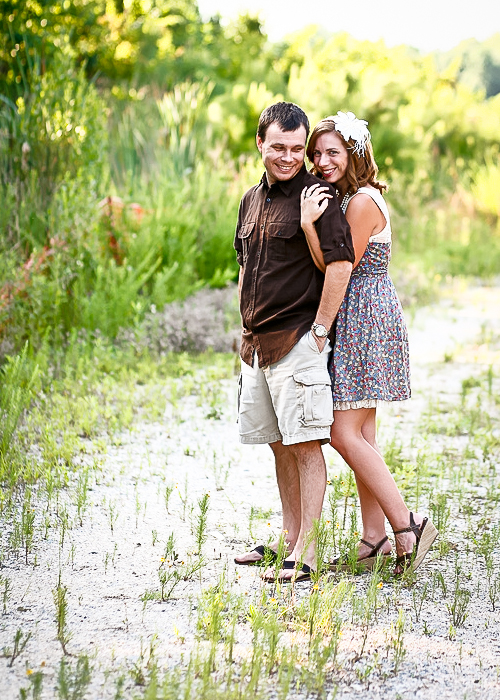
Original

I did all my editing in LR3 today because, well let's be honest, there wasn't MUCH wrong with this awesome shot!!
All I felt it needed was some creative colouring and maybe a bit of "pull & punch" to make it edgy...
~~~~~~~~~~~~~~~~~~~~~~~~~~~~~~~~~~~~~~~~~~~~~~~~
EDIT ONE

- Used Direct Positive LR preset
- Set recovery ~ +48, exposure .60, brightness -26,
- dodged the dark side of his face to even out the tones
- burned the sky lightly with a creamy colour brush
- General punch
- sharpening; +41, 1.2, 15, 60
- NR; 13, 89, 18
- Blacks -14
- Export.
- Publish to Flickr :D
(the sky is way too obviously dodged though, need to work on that ~ probably would do better with that in PSE/Gimp in reality).
~~~~~~~~~~~~~~~~~~~~~~~~~~~~~~~~~~~~~~~~~~~~~~~
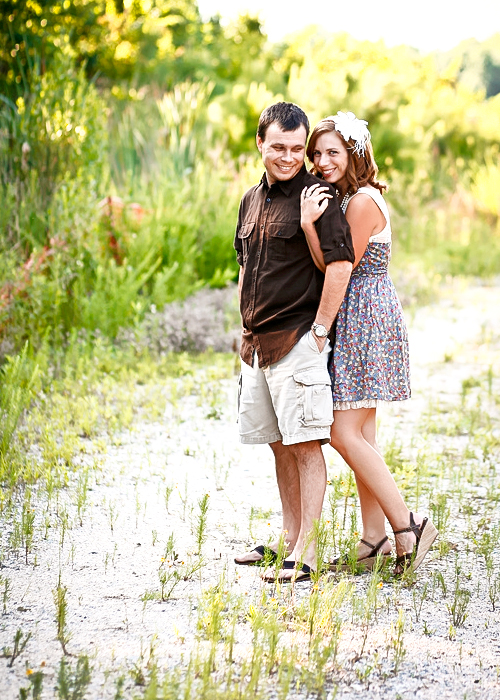
EDIT TWO

Working from Edit One
- Crop to 5X7
- Used Preset Heaven's Yellow-Green Tone
- exposure -1.33, contrast 83, Brightness 22, recovery 56
- General Punch
- Scenic Sharpening
- Red Settings; luminance -73, Hue -36, Sat 41
- Export & Publish.
~~~~~~~~~~~~~~~~~~~~~~~~~~~~~~~~~~~~~~~~~~~~
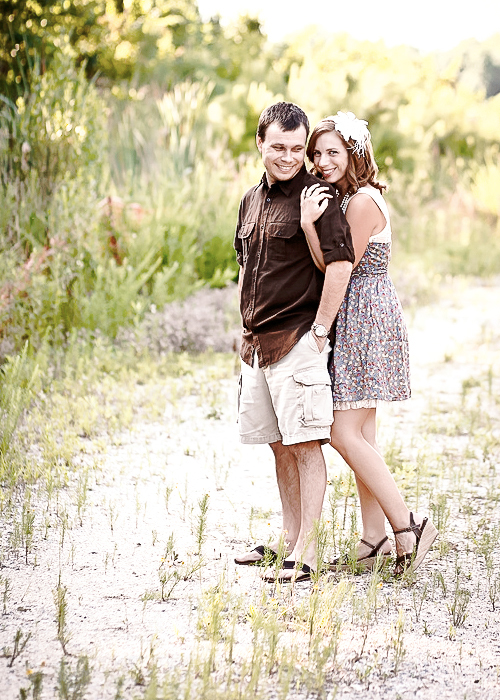
EDIT THREE

working from edit one again
- Crop to 5X7
- applied Preset Heaven 'Wedding Look'
- auto tone
- dodged any darkness in his face and burned over brightness
- contrast -2
- Narrow edge (scenic) sharpen
- General Punch
- recovery 39
- Orange saturation -20
- PC Vignette 2 (changed feathering to 66)
- Vibrance -22
- Export & Publish
~~~~~~~~~~~~~~~~~~~~~~~~~~~~~~~~~~~~~~~~~~~~~~~~
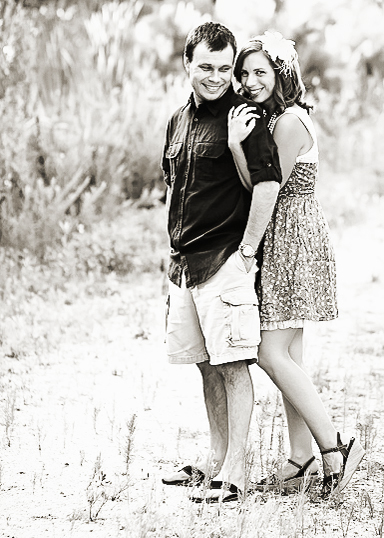
EDIT FOUR

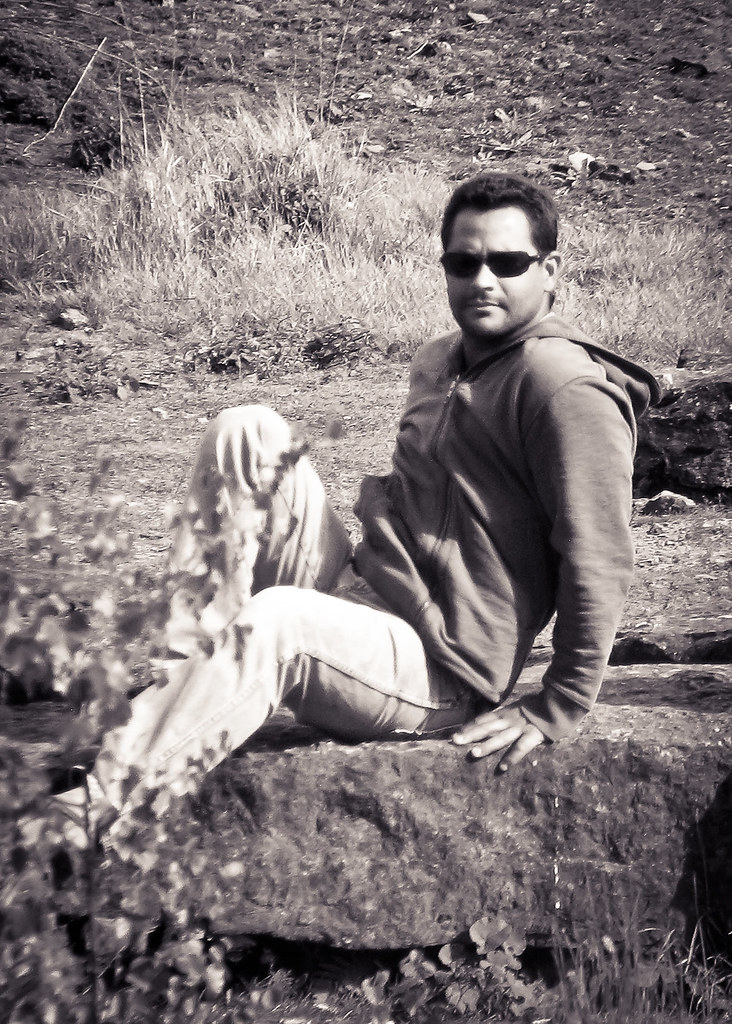
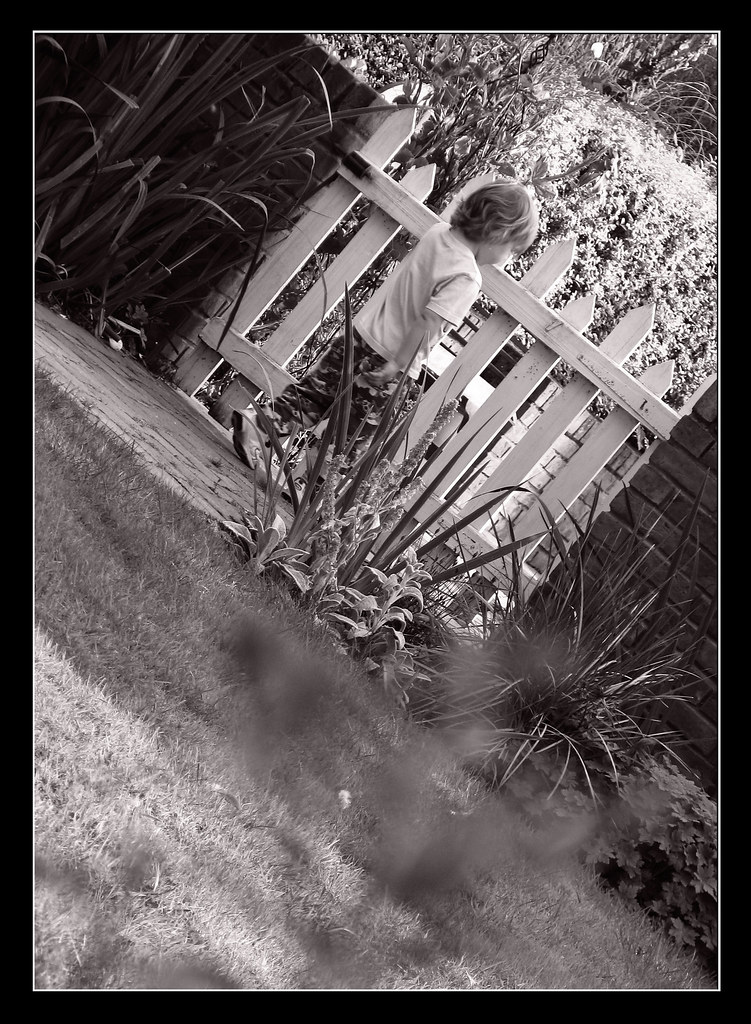
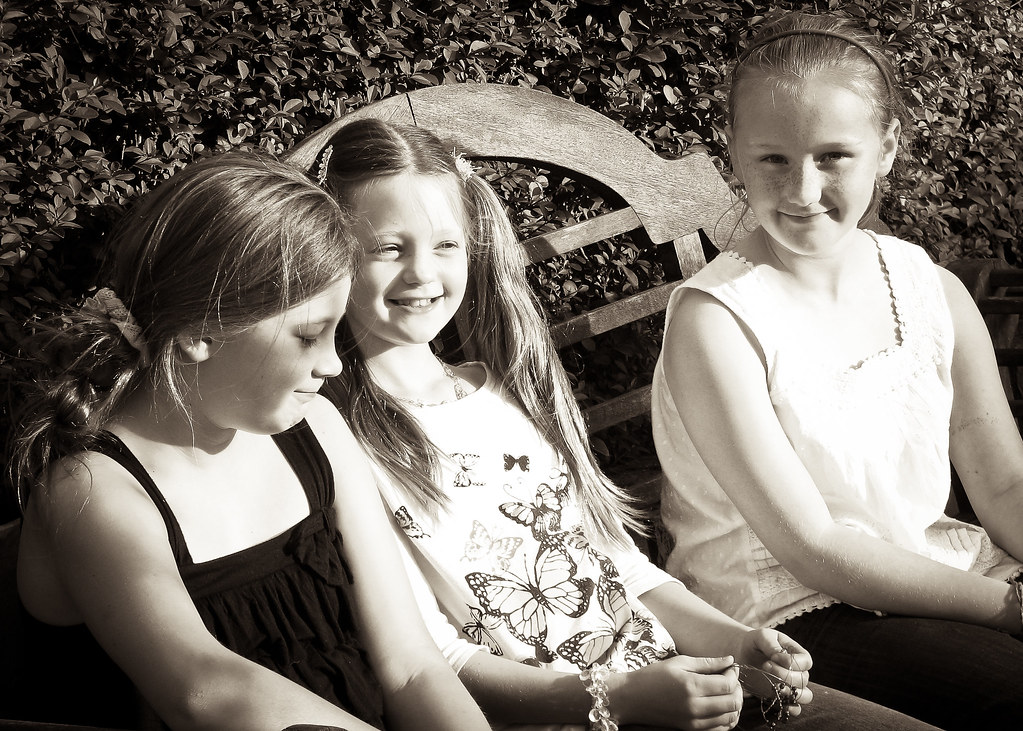
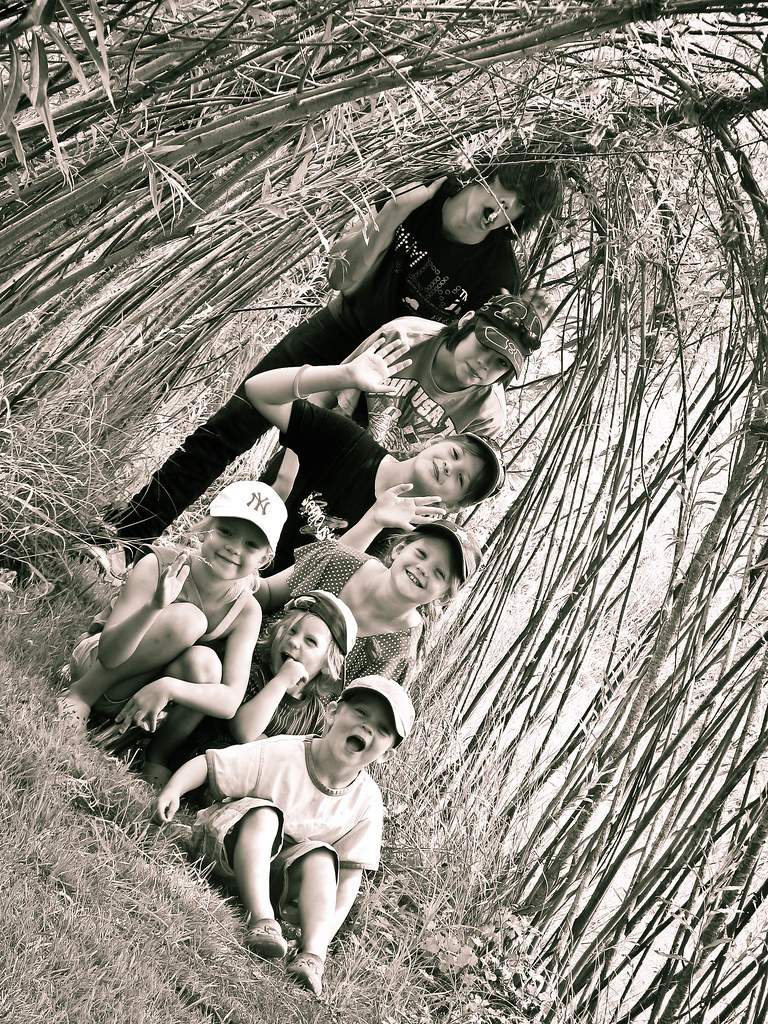
Of course there HAD to be a BW of this shot (working from edit three this time);
- Converted to BW
- contrast 52, recovery 52, Brightness 16, Exposure, -0.05
- Export & Publish
~~~~~~~~~~~~~~~~~~~~~~~~~~~~~~~~~~~~~~~~~~~
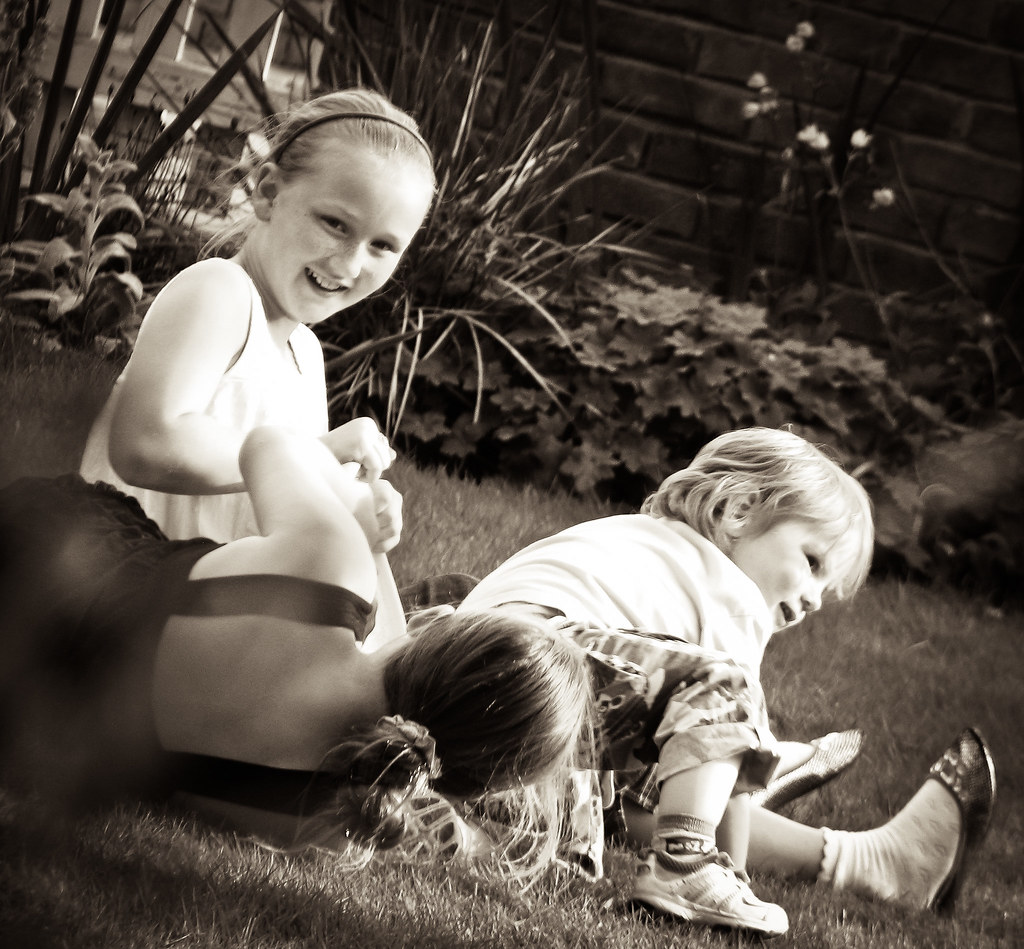
EDIT FIVE

- From edit Four I just changed the shadow and highlight hues to give a greeny tinge (Shadow 37, Highlight 76)
~~~~~~~~~~~~~~~~~~~~~~~~~~~~~~~~~~~~~
My personal critique of my edits this week;
Edit 1~ yucky sky - wish I'd left it alone!
Edit 2~ a little to orange
Edit 3~ DEFINITELY my favourite of the week!
Edits 4 & 5 ~ love them both, 5 wins it for the BW's. :)
What do you think?
POST-SCRIPT...
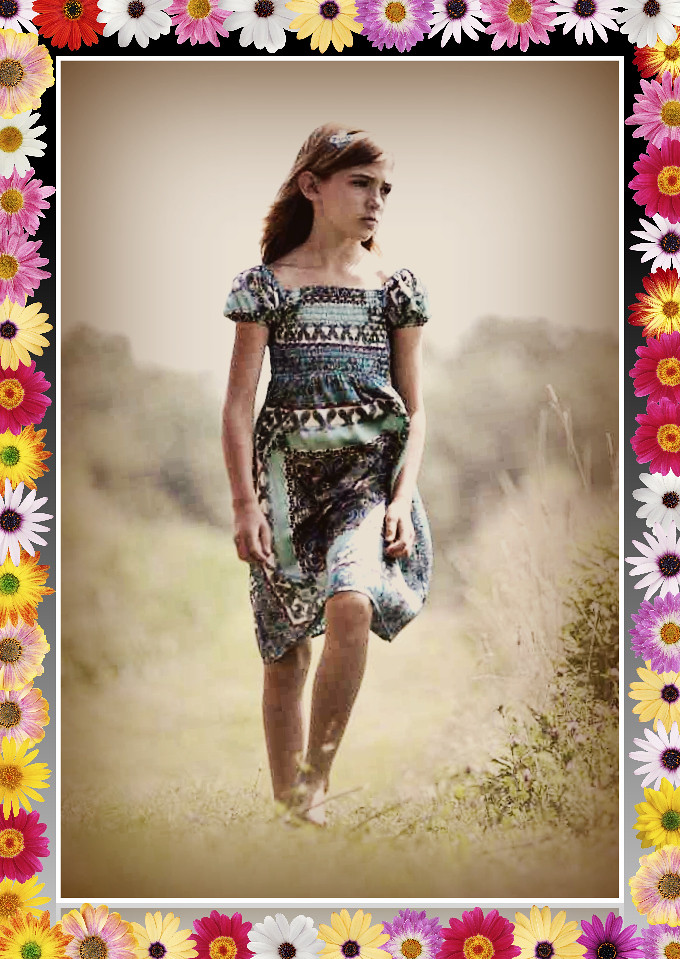
I read the 'do something about the sky' on iheartfaces, so I felt obliged to do so.
Not so easy in LR, so I took it into gimp, downloaded a sky from here; http://www.flickr.com/photos/leooosterloo/3812218298/
layered it over (set to darken only and lowered opacity), erased from everywhere but the sky (!!), merged down (Gimp 1), duplicated & set layer to 'screen' (Gimp 2). Applied a 'vintage effect' fu (set to screen and lowered opacity), framed.
Done.
GIMP ~ 1

~~~~~~~~~~~~~~~~~~~~
GIMP ~ 2

~~~~~~~~~~~~~~~~~~~~~~~~~
GIMP ~ 3

OK ~ so NOW my fave is GIMP ~ 3 ;D
To join in with Fix-It-Friday head on over to iheartfaces and link up :D