Wednesday, 20 October 2010

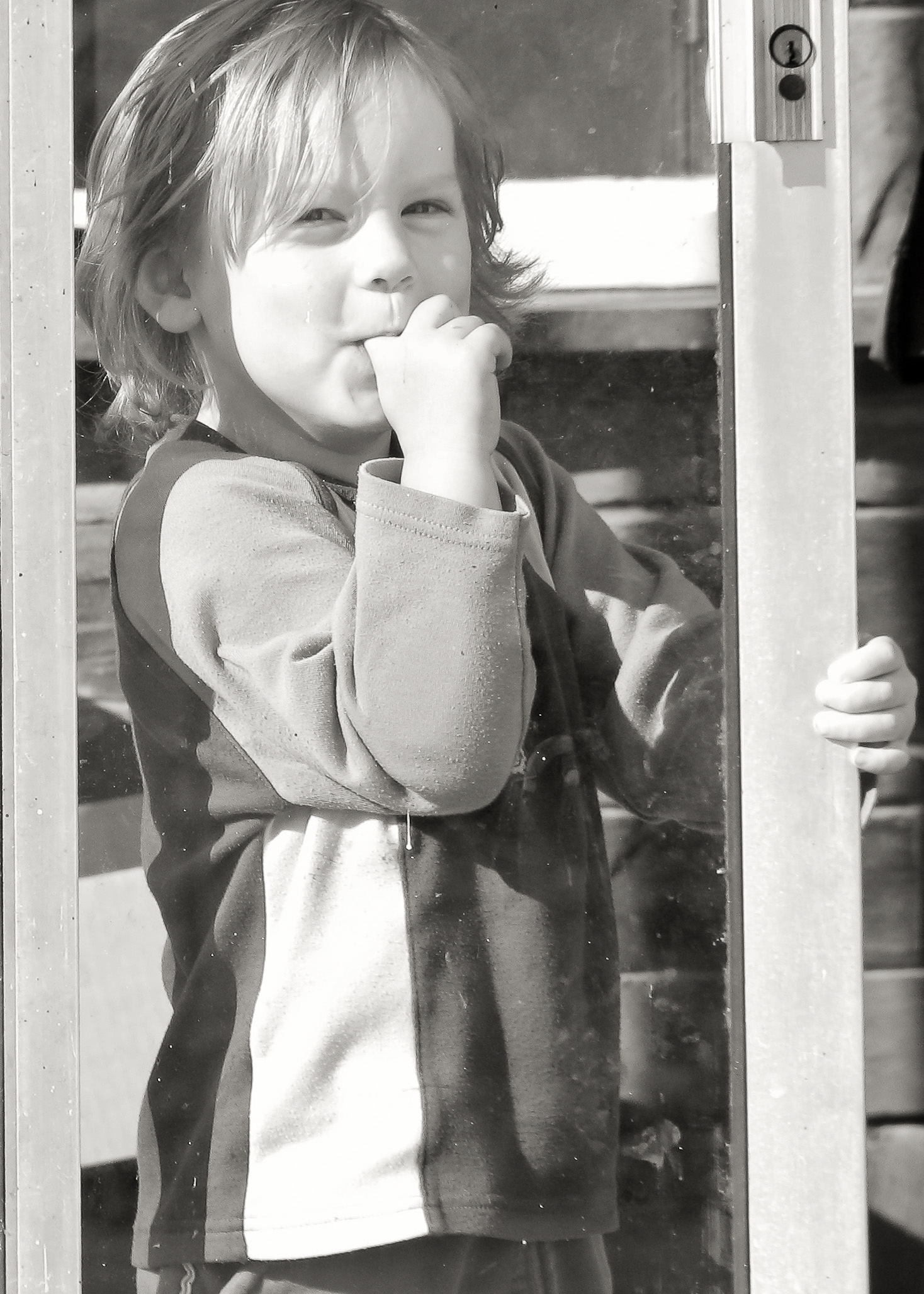
Black & White Wednesday # 9 ~ Mobile Photofun!


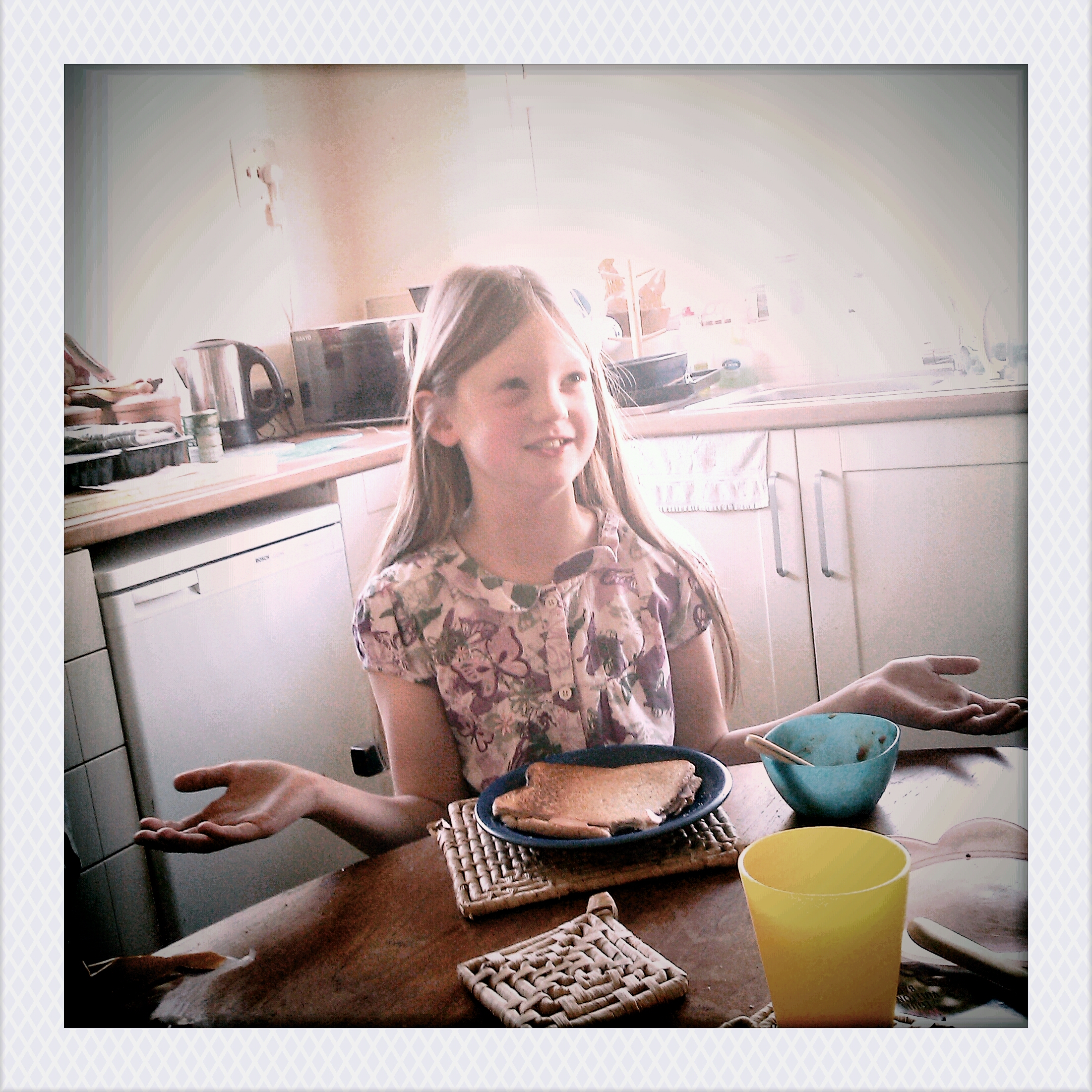
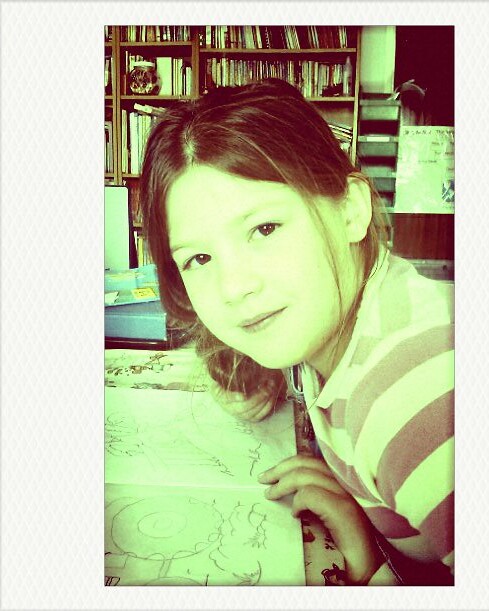
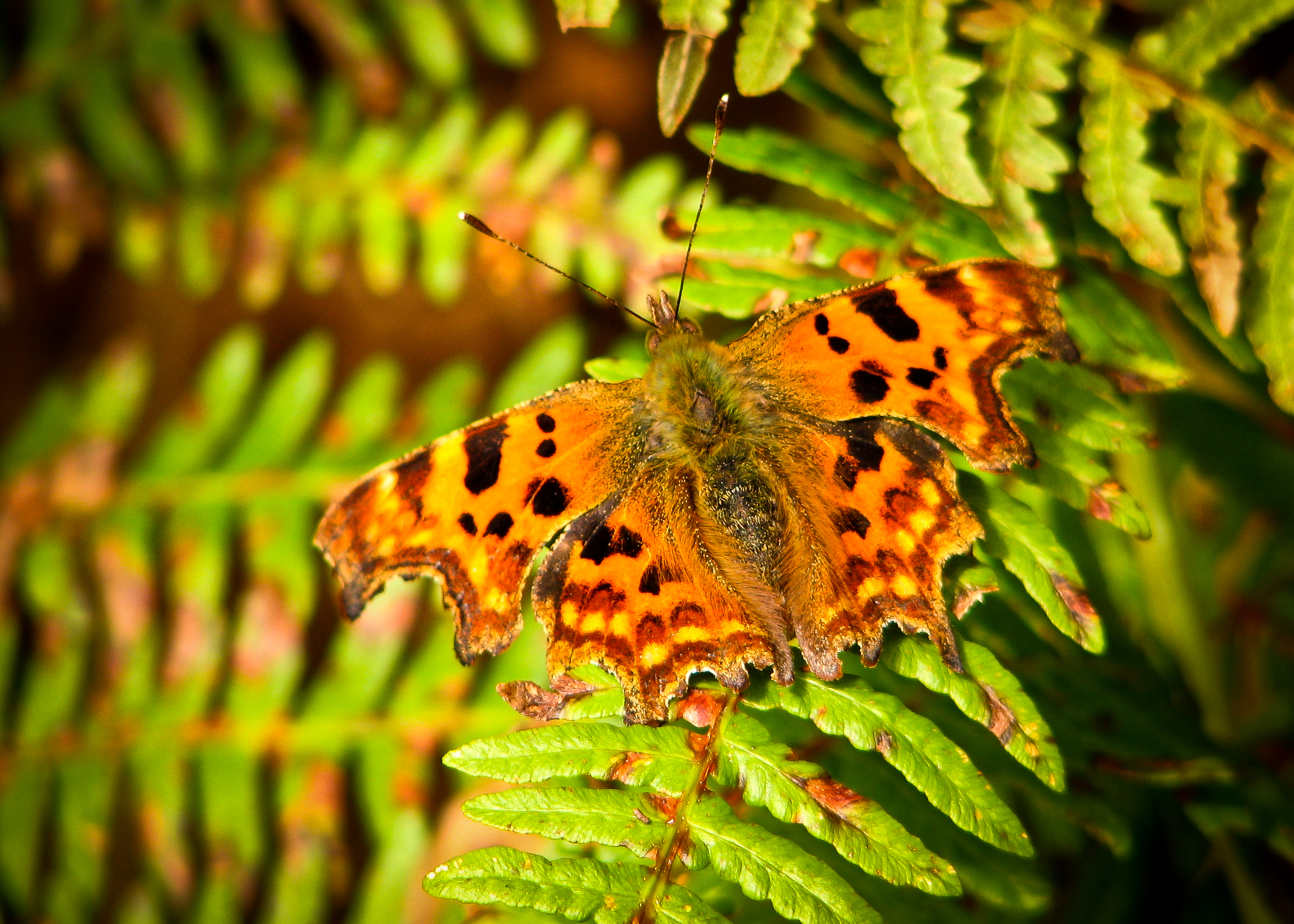
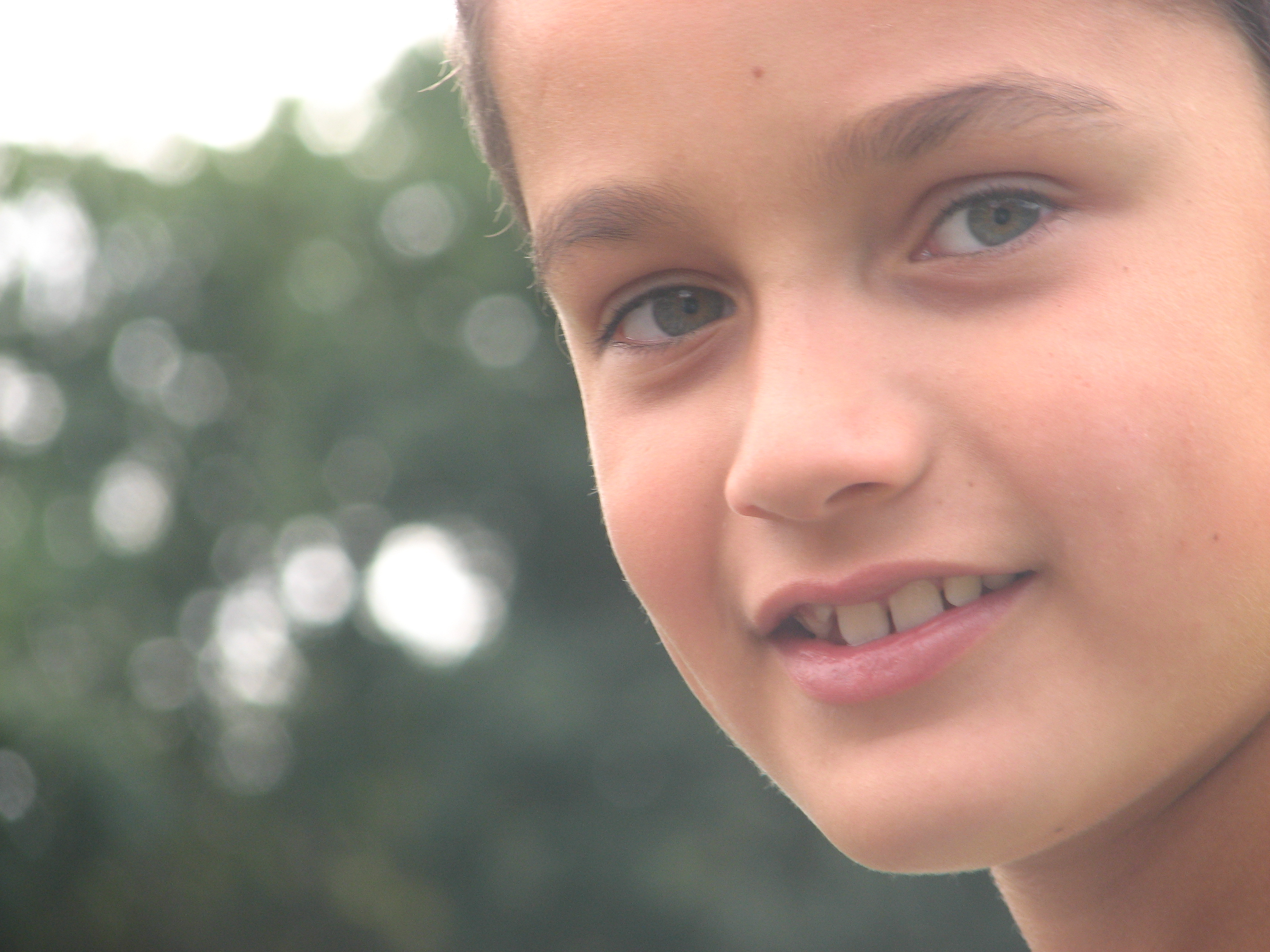
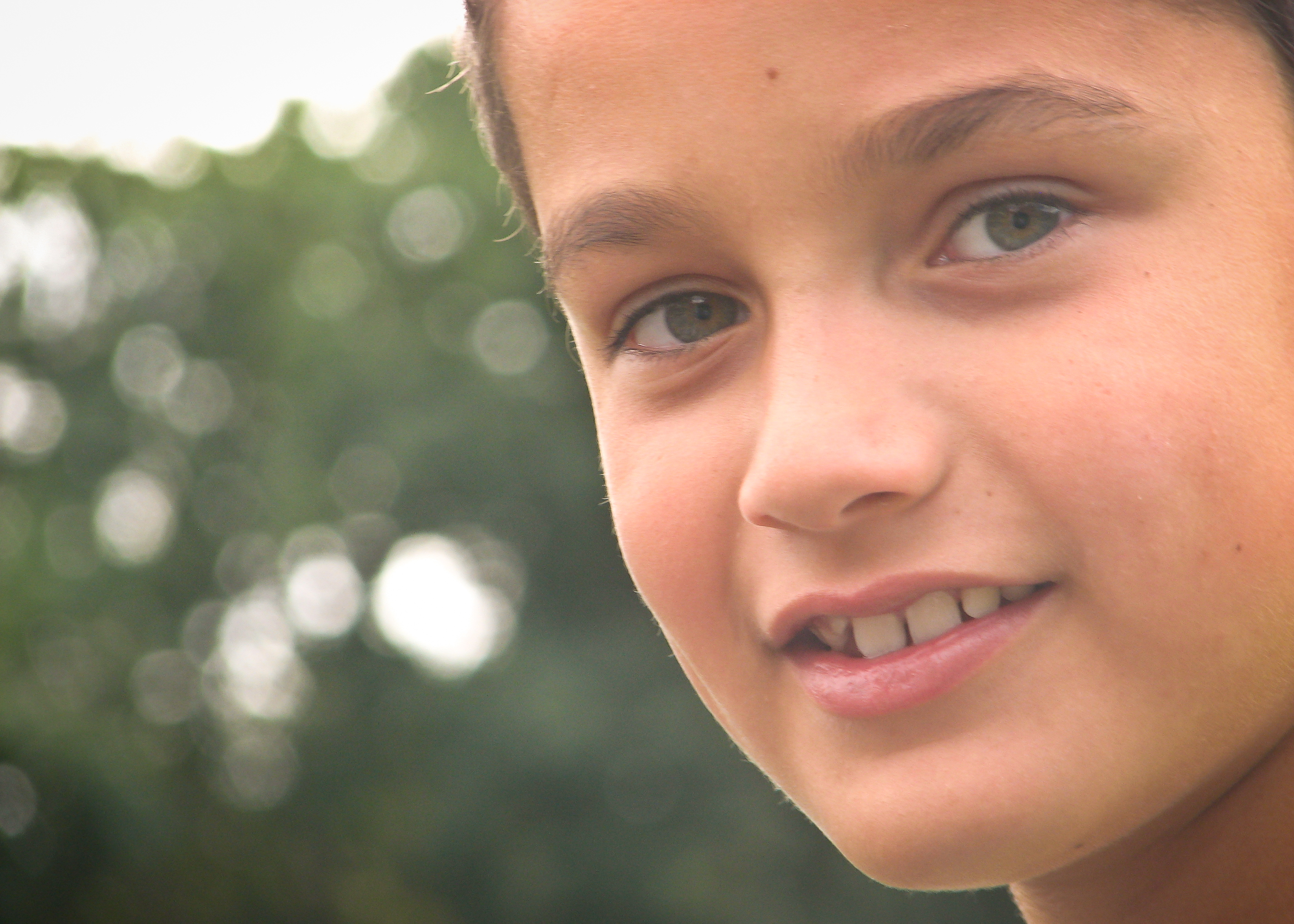
I had a little fun today with an app’ on my HTC Wildfire :D ~ it’s called ‘Vignette’ and it’s just a little cool!

Not EXACTLY BW, but almost!

I didn’t even get my ‘real’ camera out today. It was a busy day…


Link up to BW Wednesday over at LISA's blog (she has some SERIOUSLY exciting news to share, together with her awesome pictures!). C U there!

Tuesday, 19 October 2010

Communal-Global Tuesday


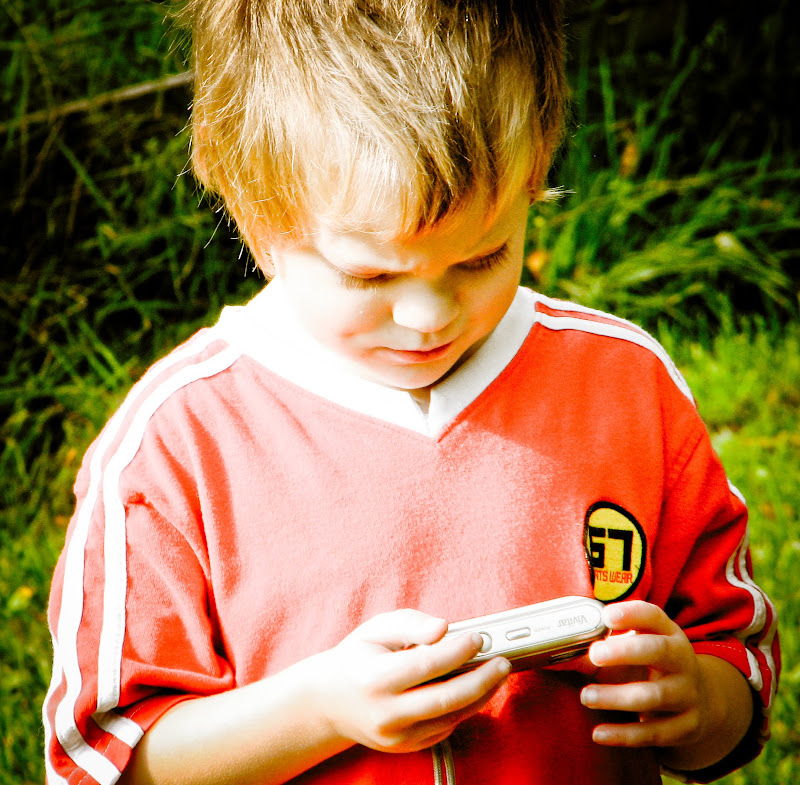
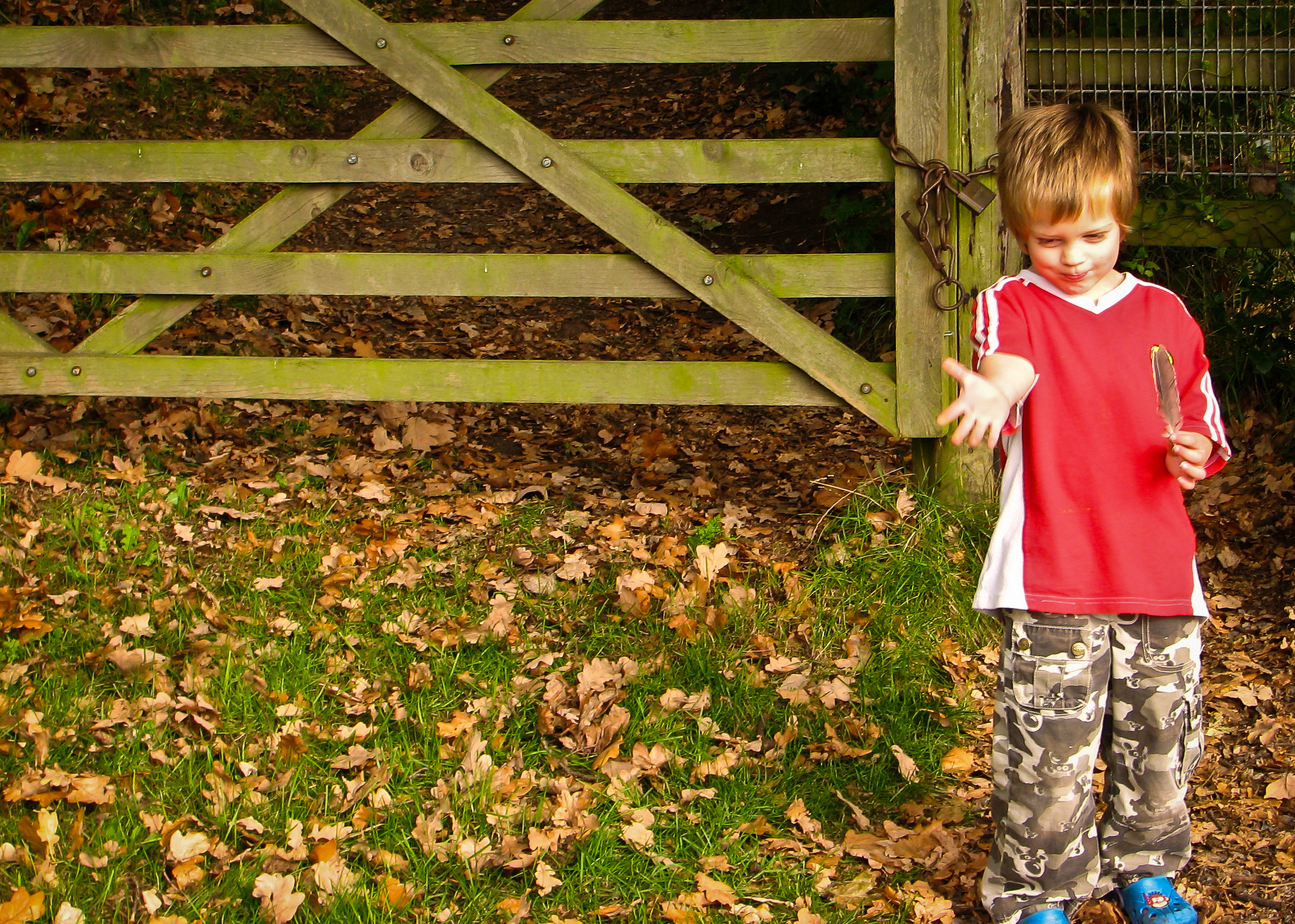
My little man and I went on an Autumn photo-shoot :)

Published with Blogger-droid v1.6.3

Monday, 18 October 2010

PaperMama Challenge ~ "Fall"


Taking an Autumn stroll and throwing leaves ~ it doesn't get much more 'fall'-y than that :D

To join in with this weeks challenge, head on over to Chelsey's Blog & link up :D

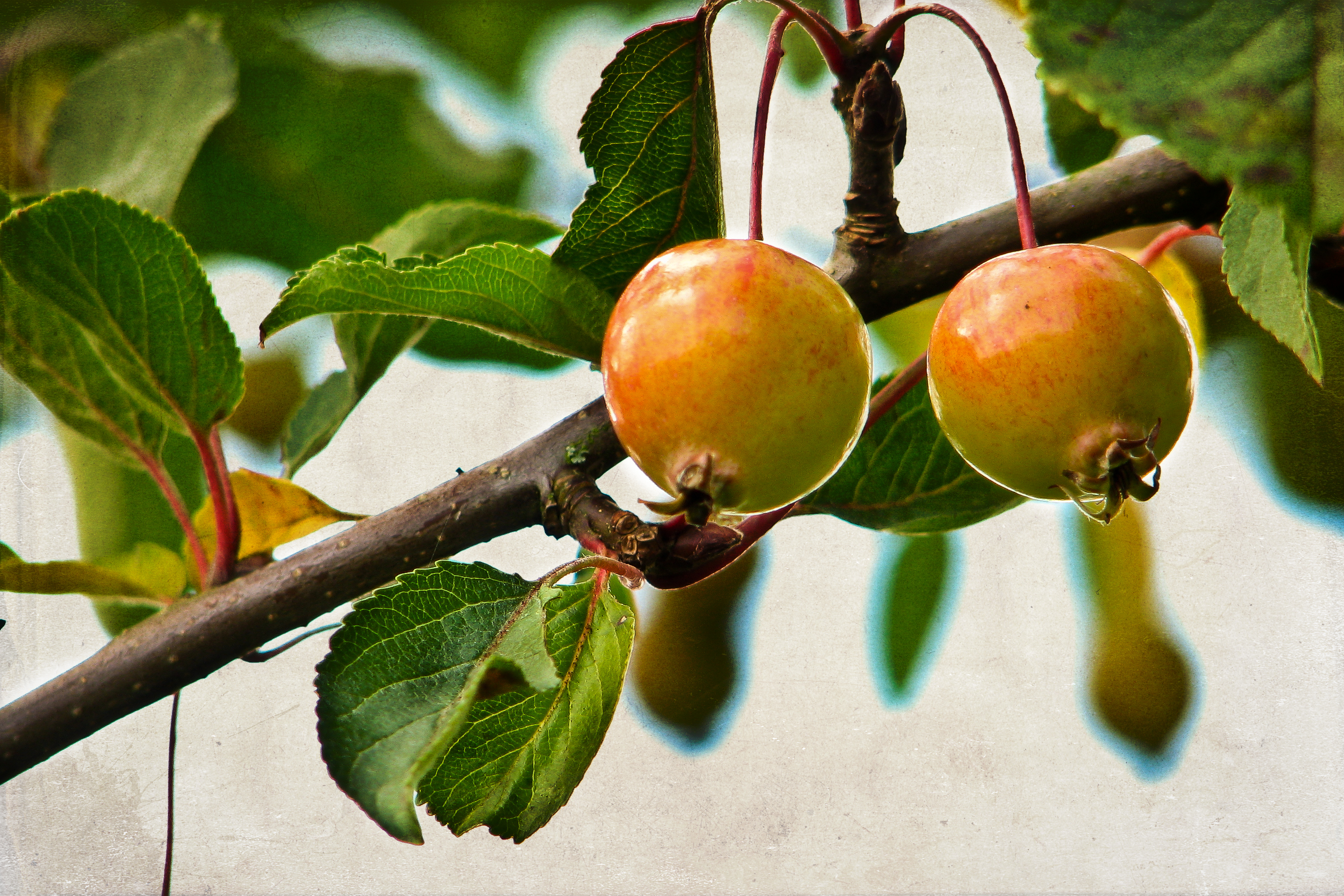
Macro Monday ~Autumn Fruit!


Nothing more to say!!

Except PLEASE check out my 13yo old son's Macro Ladybirds too ~ over at CRAZYJAKESPLACE

To link up with Macro Monday head on over to Lisa's Chaos :D
To link up to Mellow Yellow head on over to DrowsyMonkey's :D

Friday, 15 October 2010

Fix-it-Friday #74 ~ Pumpkin Princess!


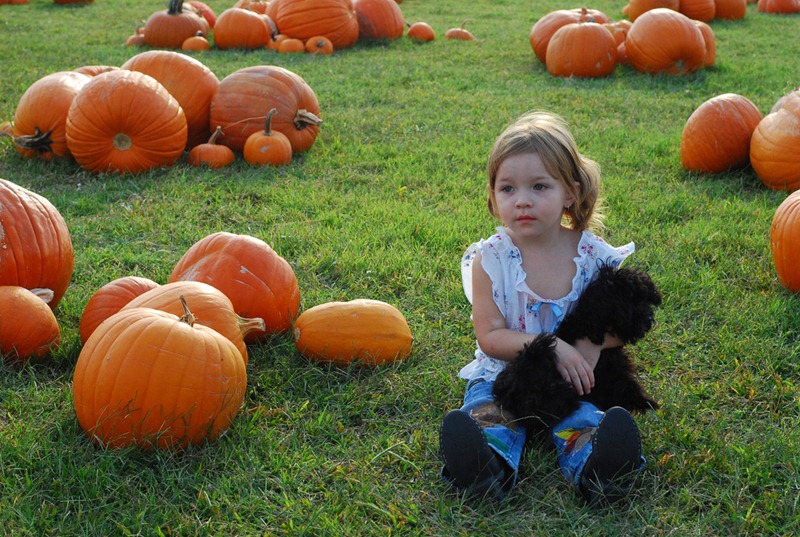
This weeks Original comes from the Dana 
Here's what she said about it;
"The original photo was just uninspiring to me, and I knew it needed a little help.  I liked the backlighting, but it just needed some help!"

ORIGINAL

5082846792_0df61bb1fb_b
~~~~~~~~~~~~~~~~~~~~~~~~~~~

FIX #1 (LR3)
5082846792_0df61bb1fb_b-Edi.jpg 
(read these bottom to top!!)
The Brush strokes are adjustment brushes: dodge her face & neck, colour a tint on her skin, iris enhancement. The spot removal for a couple of blemishes on her right arm.
Crop to 7x5
Lookin' Good!! :D ~ transfer image into PSE to play with actions!
(Of course, I could stay in LR and play with presets, but lots of people don't have LR3 (yet) and every action I have in PSE  I have found on the net for FREE so anyone could have the same! What I did in LR you could pretty much do in ACR as well. )

~~~~~~~~~~~~~~~~~~~~~~

FIX #2 (PSE7)
colour-hershey.jpg 
Duplicated background layer
Applied HERSHEY action from HERE
Layered a copy of  background layer back over the top to bring back in  a little colour (set to soft light I think) and reduced opacity to liking.

~~~~~~~~~~~~~~~~~~~~~~~~~~~~~

Fix #3

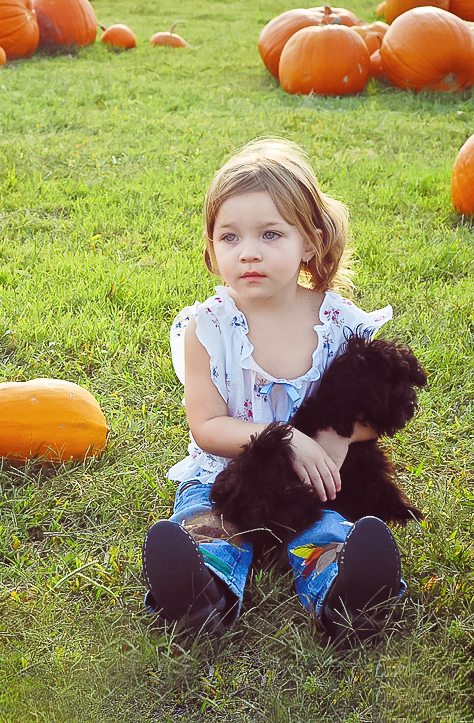
johnnasTP8x10.jpg 
From Edit #1

(Hazy layer was set to Soft Light 40%)
After this ~ flatten and Save for Web.

Also on this one I stretched the grass at her feet (with some copying, cloning and healing) as it felt like she was too close to the bottom of the image, and then cropped to 8x10.

I also tried a vertical stretch/crop of this, just to see;


~~~~~~~~~~~~~~~~~~~~~~~~~~

Fix #4
vintage-news.jpg 

Started with Fix 3 ~ duplicated...
Then ~ merge visible and reduce effect to 85% over original ~ flatten, save for web.
~~~~~~~~~~~~~~~~~~~~~~~~~~~

Fix #5

rose-tint.jpg 

As you can see I used a some gradient map layers ~ hard to describe those sorry, but one was brown/cream tints, one was blue/cream tints and last was rainbow!

~~~~~~~~~~~~~~~~~~~~~~~~~~~~~~

Fix #6

hershey+vintage-bluch.jpg 

Duplicated Fix 2 and did exactly as above ~ virtually no fiddling.
And this is possibly my favourite of all :D
After merging ~ flatten ~ SFW
I hope you like my fixes :D

To join in with this week's FIF (which is the highlight of my week) head on over to iheartfaces and link up :D

Tuesday, 12 October 2010

Communal Global ~ "Around the World"


Today's Today was actually taken last Wednesday, when it had rained all night ~ and when, as is my custom on Wednesdays, I was shooting BW.

So here it is, leaf-drops after the rain.


Following shooting these, I went on to shoot a whole stack of my kids playing 'follow-my-leader' and laughed as I did so! I love it when a moment in time lends itself to my camera! You can see the set HERE if you choose to :D


To link up with today's TODAY, join in below :D

Friday, 8 October 2010

Fix-It Friday / CCF


OK ~ I'm going to be seriously cheeky with this weeks CCF, simply because I couldn't make up my mind!!

Here's two choices for you, one slightly easier than the other to work with. 
(If you click on the originals you can go and download them from flickr and work on them.)

Choice ONE

These are my lovely friends. They really like this picture ~ and so do I, except that sadly Jack slightly moved his head as I clicked and his face is a little out of focus.
In the original the colours are a bit flat too.
I like my edits, but I'd love to hear and see what you would do with this one!

SOOC

CameraCanon PowerShot S3 IS
Exposure0.004 sec (1/250)
Aperturef/3.5
Focal Length7.2 mm

 ISO                                                80


COLOUR


BW


~~~~~~~~~~~~~~~~~~~~~~~~~~

Choice TWO

This is possibly one of my all time favourite shots. 
SOOC it is a little soft, but I liked how it turned out after a little touching up in Lightroom.
It's definitely an easier edit I'd say...

What do you think? 
What would you do differently?

SOOC

CameraCanon PowerShot S3 IS
Exposure0.008 sec (1/125)
Aperturef/3.5
Focal Length54.9 mm

 ISO                                                80


COLOUR


BW


I hope I can be forgiven for posting two pictures ;) 
I wasn't feeling decisive tonight!

Look forward to hearing what you lovely editors out there have to say?

And for all those reading this who are not 'in the know' about CCF, this is the post where I ask the lovely people over at iheartfaces to say what they REALLY think of my pictures & edits, so please don't be offended if they do just that ~ I won't be!!

Click on the LOGO at the top to head on over and join in
Click on the pictures to see them bigger (much bigger).
PLEASE, ONLY DOWNLOAD THEM IF YOU WISH TO WORK ON THEM FOR ME!!

Wednesday, 6 October 2010

Black & White Wednesday # 8


Today, for a change, the sun was shining :D

The younger children have been learning about the meaning of 'disciple', so to illustrate the point I sent them out to play 'follow-my-leader'...


They had a really fun time together ~ although I'm not sure who was leading in this shot!!


They got the hang of it...


...and provided me with some lovely photo ops!


Bigun' didn't play, but he did make the most of the sunshine...


To join in with Black & White Wednesday head on over to Lisa's blog and link up :D

Tuesday, 5 October 2010

Communal Global ~ "Around the World"


Today ~ not so fast food!

I meant to upload this for yesterday's CG, but as ever I was late (it gets like that sometimes)! This is the view across our yard, that I see TODAY & every day ~ the milk vans these days are faster than the old electric ones used to be, but still not so very fast! (They are our landlord's business, not ours!)


I've not been taking too many pictures these last couple of weeks ~ I'm tired! All I want to do is sleep!! And tiredness is not the best for inspiration. Couple that with teaching 7 kiddos and I'm all washed out ~ sorry folks ~ I'll try harder!

To join in with TODAY's CG AROUND THE WORLD link up your post :D

Friday, 1 October 2010

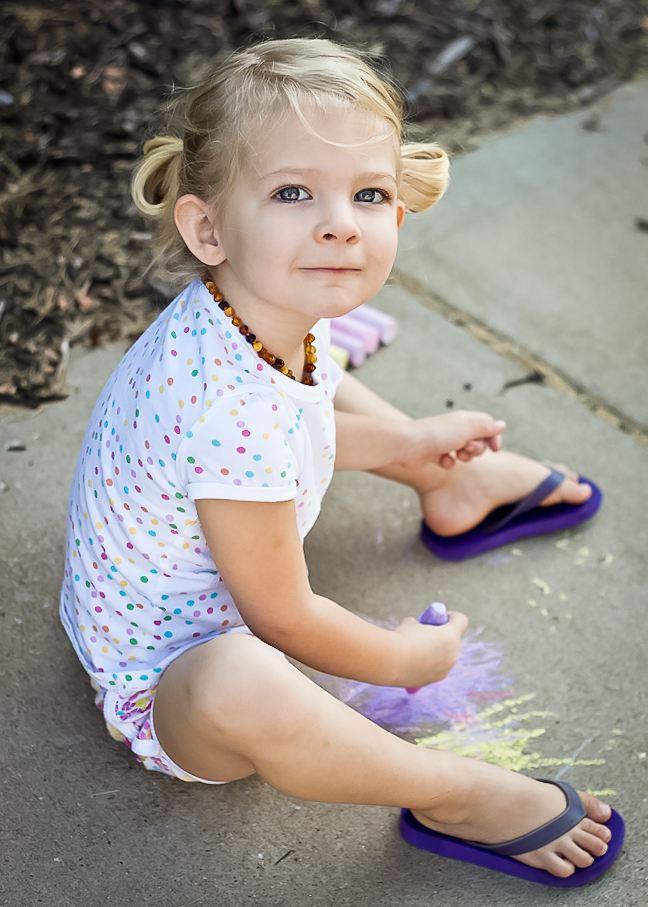
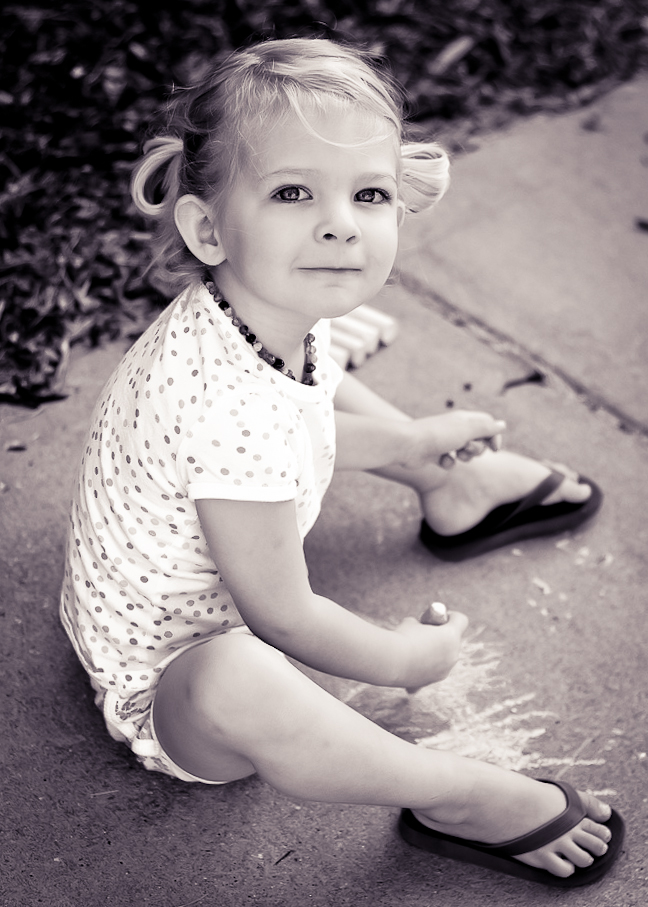
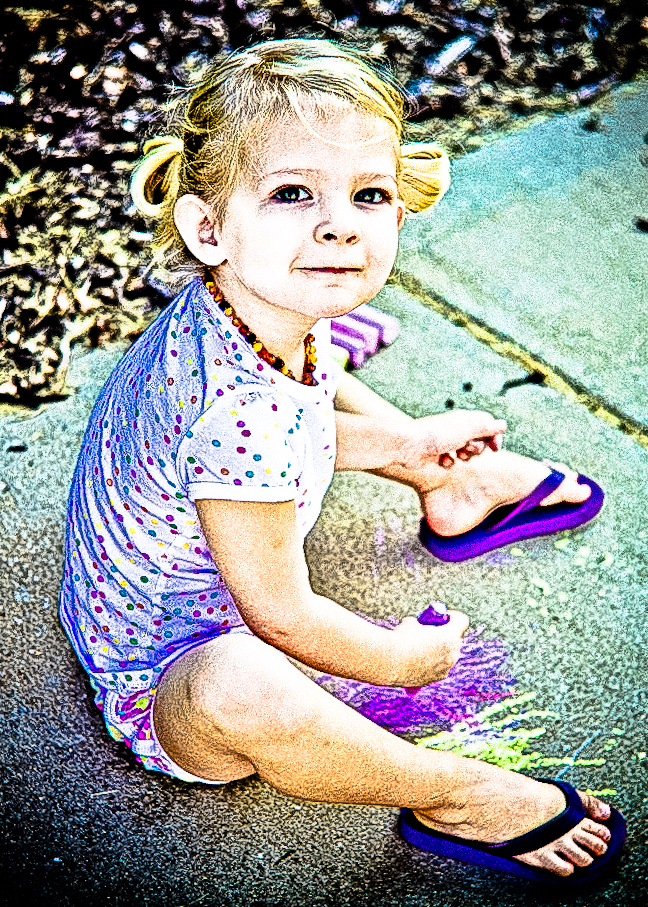
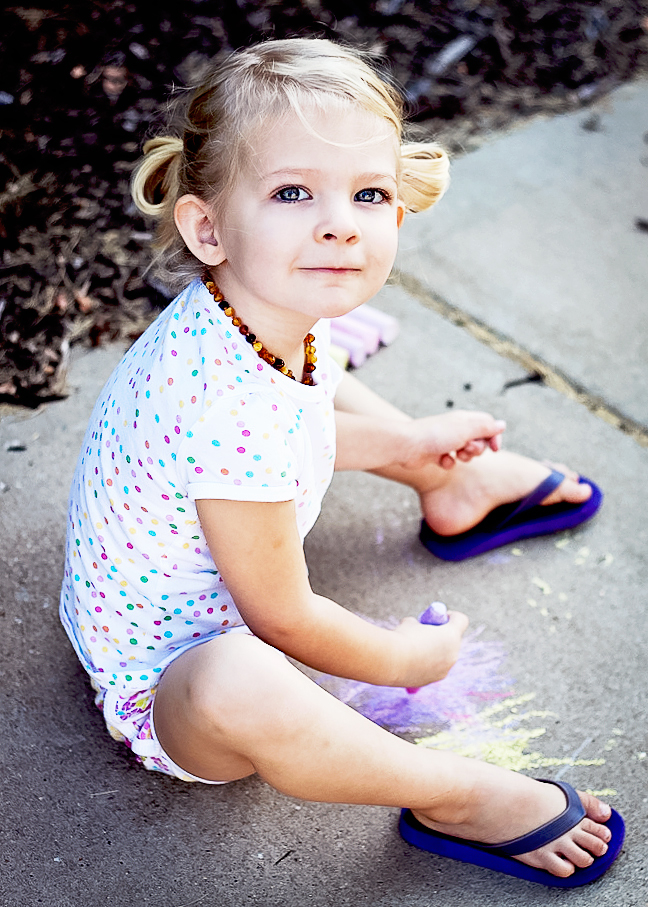
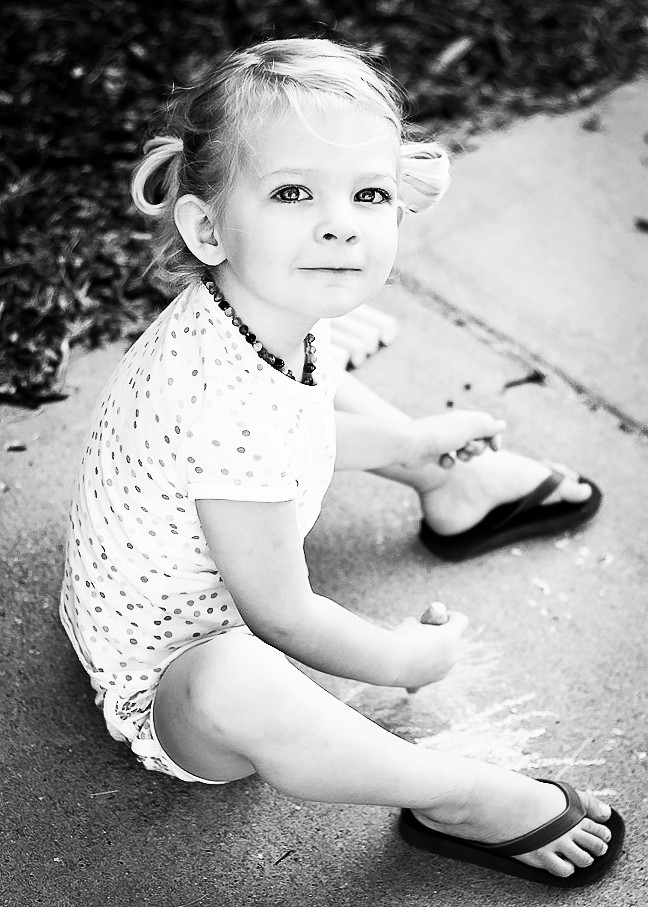
FIX-IT-FRIDAY - #73 ~ Chalk it Up!


ORIGINAL


This weeks original is so CUTE! 
It's also incredibly nice to work with :D 
A little sharpening & warming and then it's all about creativity!! 
~~~~~~~~~~~~~

LRE3 edits first...

Basic Fix #1


Part One (read from bottom to top for all LRE histories)
+ Part Two

The brush strokes were adjustment brushes; (A) iris enhancement and (b)sharpen (just around the eyes and her necklace)

~~~~~~~~~~~~~~~~~~~~~~~~~

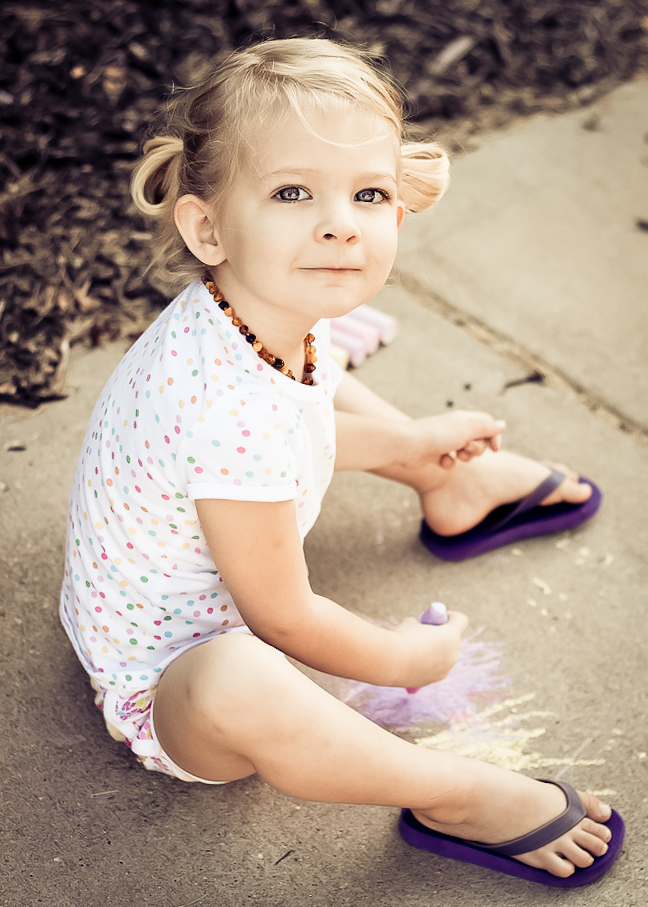
#2


~~~~~~~~~~~~~~~~~~~~~~~

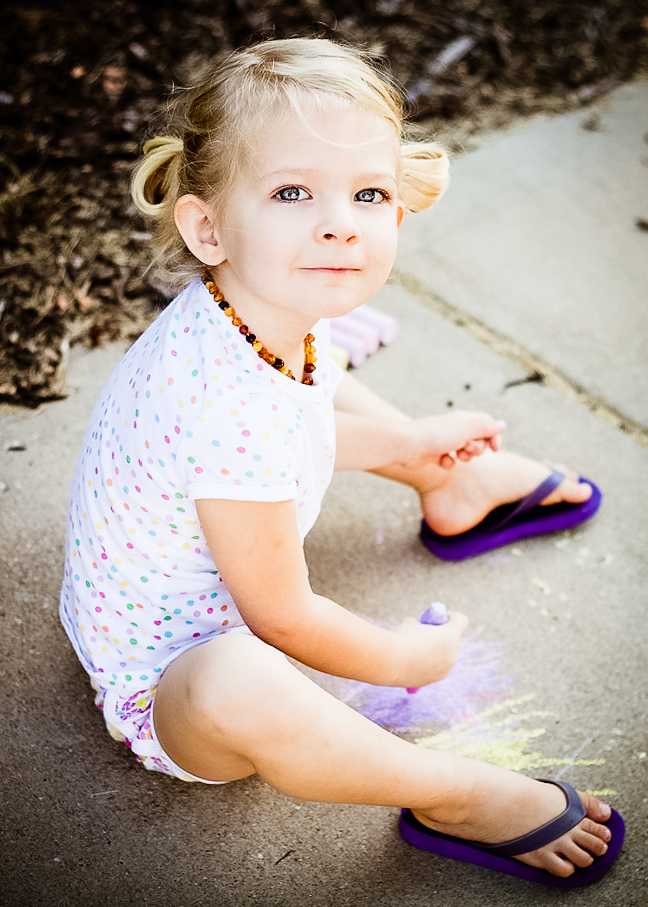
#3


Click here for Soulshine preset 

~~~~~~~~~~~~~~~~~

#4


Click here for Wedding Look preset

~~~~~~~~~~~~~~~~~~~~~~~~

#5


~~~~~~~~~~~~~~~~~~~~~~~~

#6


Click here for Vivian Chung's Preset

(I did this to fit in with this weeks chalky theme, but I don't really like the effect much!)

~~~~~~~~~~~~~~~~~~

PSE7 edits now...
(read histories top-bottom now)

#7


imported #1 and worked from there;
Did a simple sharpen on a duplicate background layer x2 (made original invisible) and erased from her skin and hair (you can see this on the history screen-shot in the next edit as layer labelled 'orig dup sharp' ), lowered it's opacity and merged down.
Applied Paper Mama's Brighten Me action and played with the layers to taste!

~~~~~~~~~~~~~~~~~~~~~~~~~

#8


Used Amanda Padgett's Florida Action
The brush tooling was working on the vignette layer to darken the edges a little.
After this I used AmaPad 'add a border' and filled it pink :D
Actions from HERE

~~~~~~~~~~~~~~~~~~~~~~~~

#9


Applied a simple black and white gradient map

~~~~~~~~~~~~~~~~~~~~~~~~~

#10


Applied a second gradient map in bronzy colours
~~~~~~~~~~~~~~~~~~~~~~~~~~~~~~

#11


Used fix 8 (my favourite) and set it behind Coffee-Shop Distressed Flower Card template ~ Just for fun! 
The text on this is editable, but I chose to leave it.

__________________________

I had REAL fun today!! :D

To join in with Fix-it-Friday download the original, fix it up and then link up your edits over at iheartfaces.


I ♥ FACES

I ♥ FACES ~ WEEK 10 - “JUMP FOR JOY!”

I ♥ FACES - Week 7 - "I Wanna Dance!"

I ♥ Faces - Week 2- “Best Face"

I ♥ Faces - Week 27 - Pets

I ♥ Faces - Week 31 - "Crazy, Silly, Funny Faces!!"

I ♥ Faces - Week 35 (ii) - “PhotoJournalism"


Social Butterfly Award :D

Ten Minutes From Home

TMFH
Capturing Your Memories

Communal Global

You Capture

Photobucket

5 Faves Friday

FFFpub copy
<center><a href="http://frog-photoblog.blogspot.com/search/label/5FF"><img src="http://farm3.static.flickr.com/2776/4427279169_ddd077ec9b_m.jpg" width="212" height="240" alt="FFFpub copy" /></a><center>

BEST SHOT

Photobucket

SOOC Saturday

Followers

Recent Visitors

Instagram Gallery

  © Free Blogger Templates 'Photoblog II' by Ourblogtemplates.com 2008

Back to TOP